Learn about web and video conferencing platforms supported by Fireflies
Last updated: April 22, 2026
Your team runs meetings across different platforms — and Fireflies makes sure nothing gets missed. Fireflies supports most major video conferencing platforms, allowing you to capture, transcribe, and search your meetings in one place.
🎥 How to find video conferencing integrations
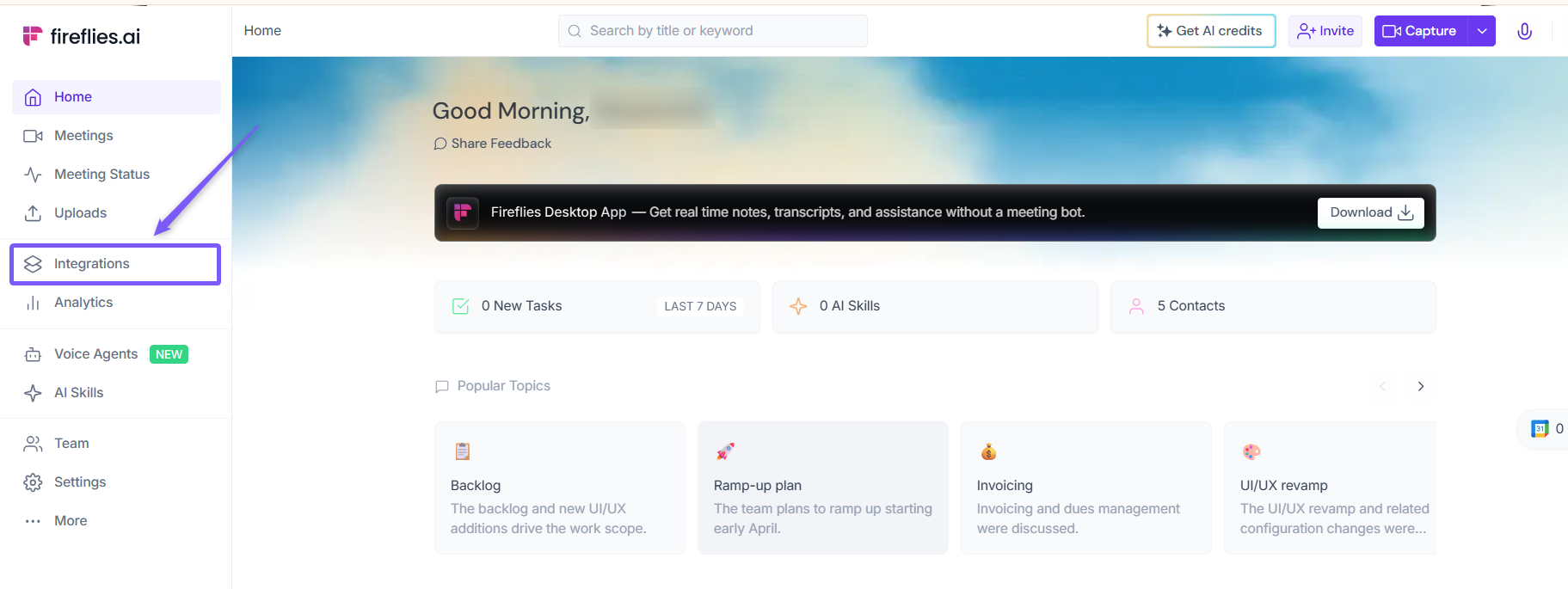
1. Log in to your Fireflies account and click Integrations from the left side menu.
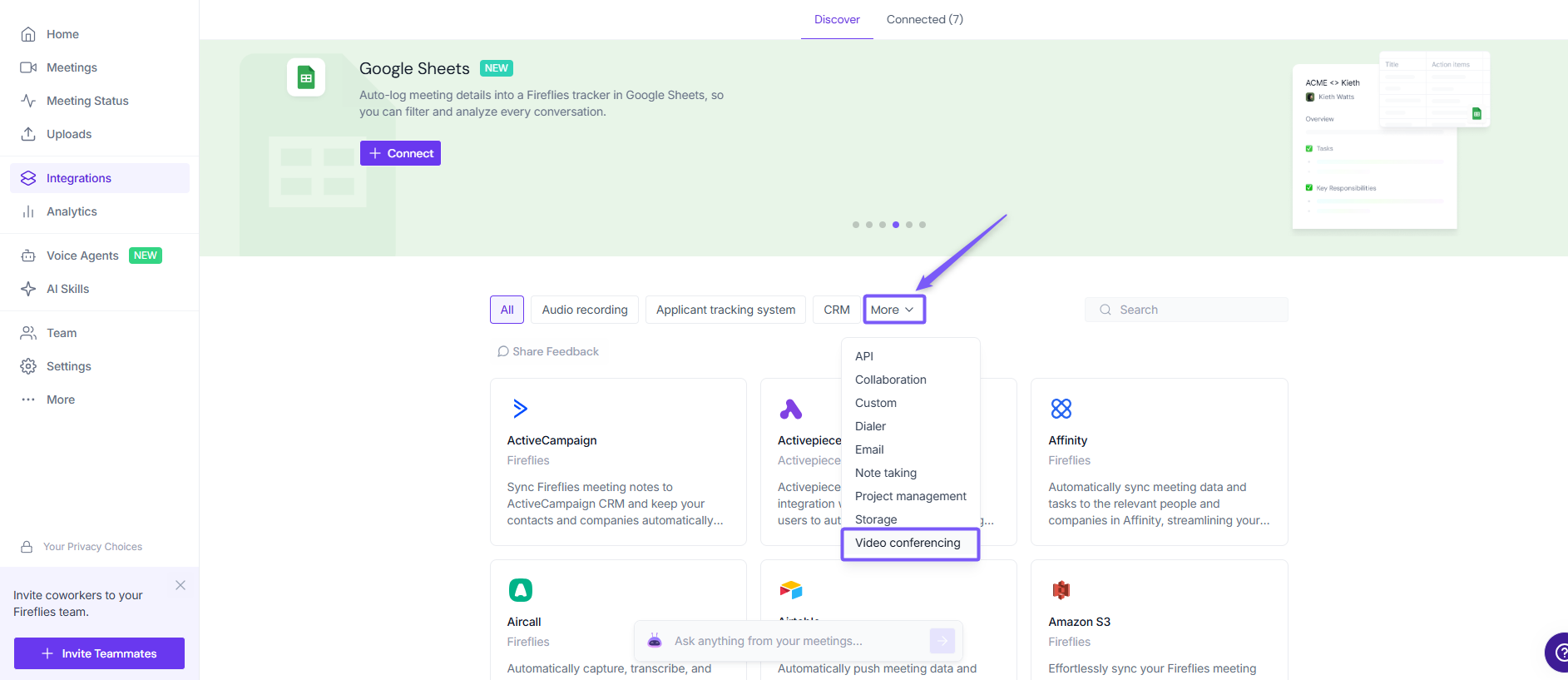
2. From the filter tabs at the top, click More and select Video conferencing from the dropdown list.
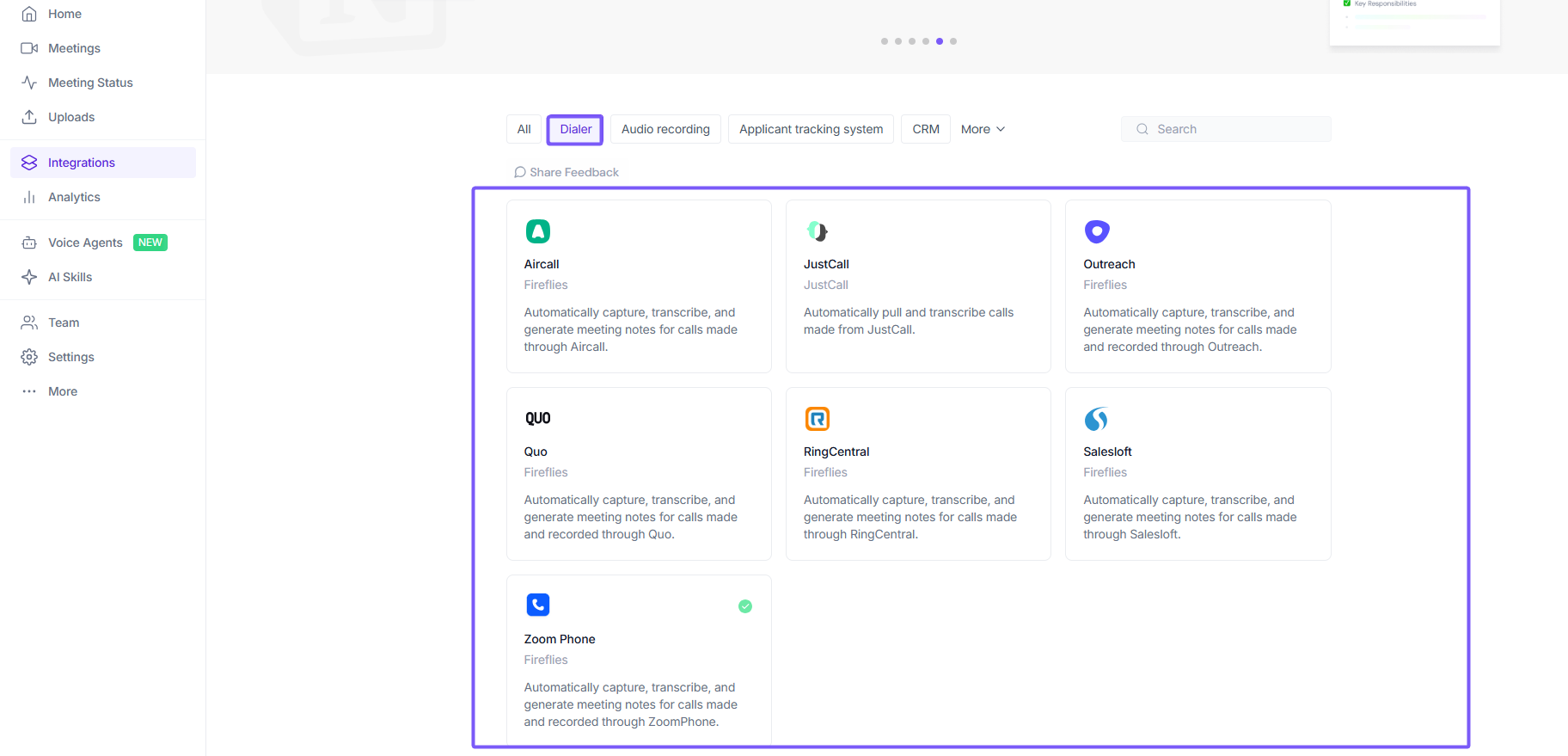
3. You'll see all the video conferencing integrations Fireflies supports. Click on any platform to get started.
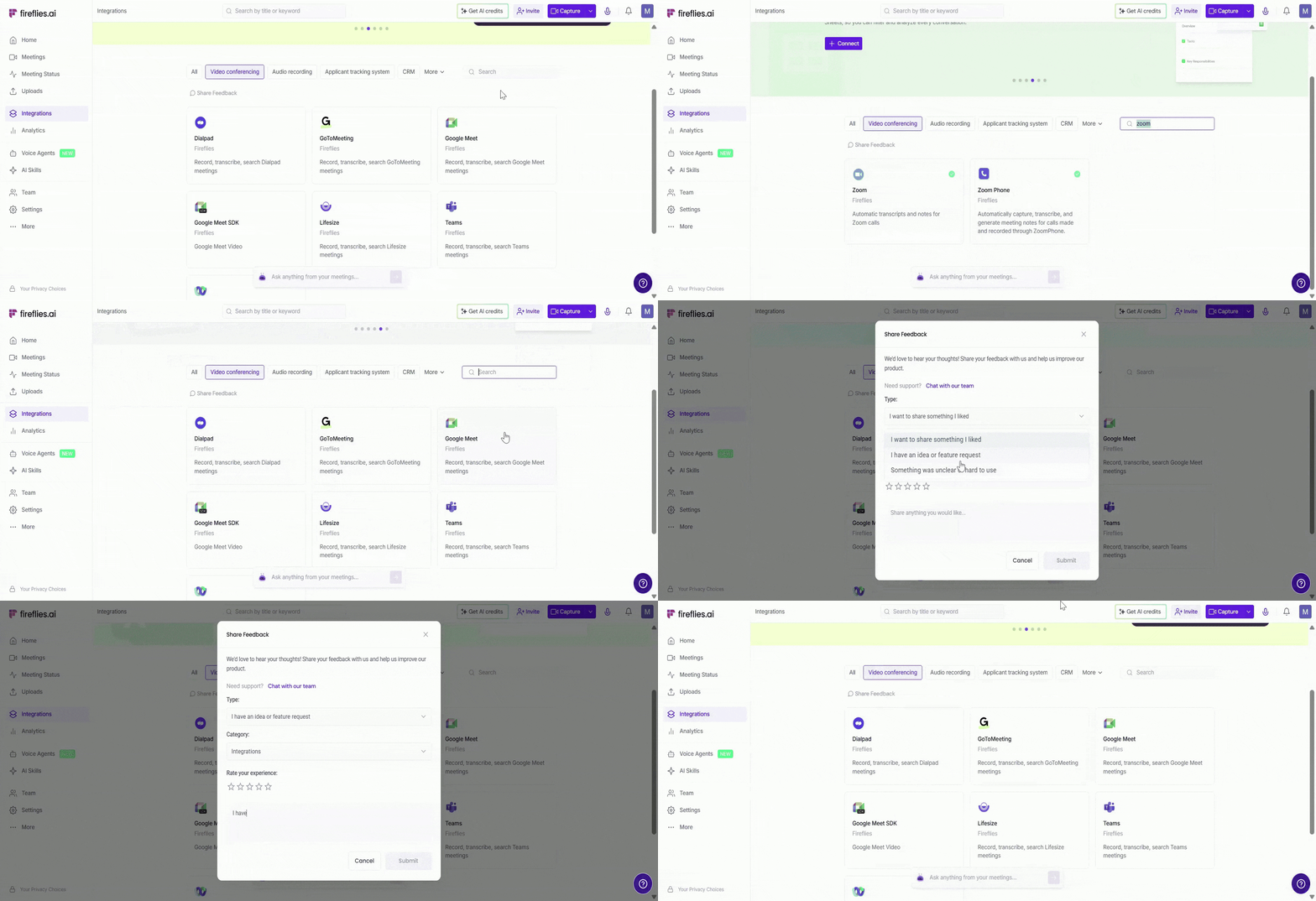
You can use the search bar to quickly find a specific integration, or share feedback and request a new one if it’s not available—our team will review it for future updates.
📹 Available video conferencing integrations
Fireflies supports the following web or video conferencing platforms:
Google Meet — Automatically join, record, and transcribe Google Meet meetings
(Related: Which version of Google Meet is supported?)
Zoom — Automatically join, record, and transcribe Zoom meetings
Microsoft Teams — Automatically join, record, and transcribe meetings on Microsoft Teams
Dialpad — Automatically capture and transcribe calls and meetings made through Dialpad
GoToMeeting — Automatically record, transcribe, and search meetings hosted on GoToMeeting
Google Meet SDK — Capture and transcribe Google Meet video meetings using the SDK integration
Lifesize — Automatically record, transcribe, and search meetings hosted on Lifesize
Webex — Automatically record, transcribe, and search Webex meetings
By default, video conferencing platform integrations are turned on as soon as you create and sign into your Fireflies account. For the full list of integrations, visit the Fireflies Integrations Page.