How to Record Offline & In-Person Meeting Audio with Fireflies Web Recorder
Last updated: October 14, 2026
Need to capture an in-person conversation, brainstorm, or quick voice note? Fireflies Web Recorder lets you record audio directly from your browser without downloading a separate recording tool. You can also write your own notes while recording, so your observations stay alongside the captured audio.
🔑 Prerequisites
Before you start, make sure you:
Sign in to your Fireflies account.
Allow microphone access when prompted by your browser. If prompted, grant permission through your browser settings.
🚀 Steps to follow:
Step 1: Log in to your Fireflies dashboard.
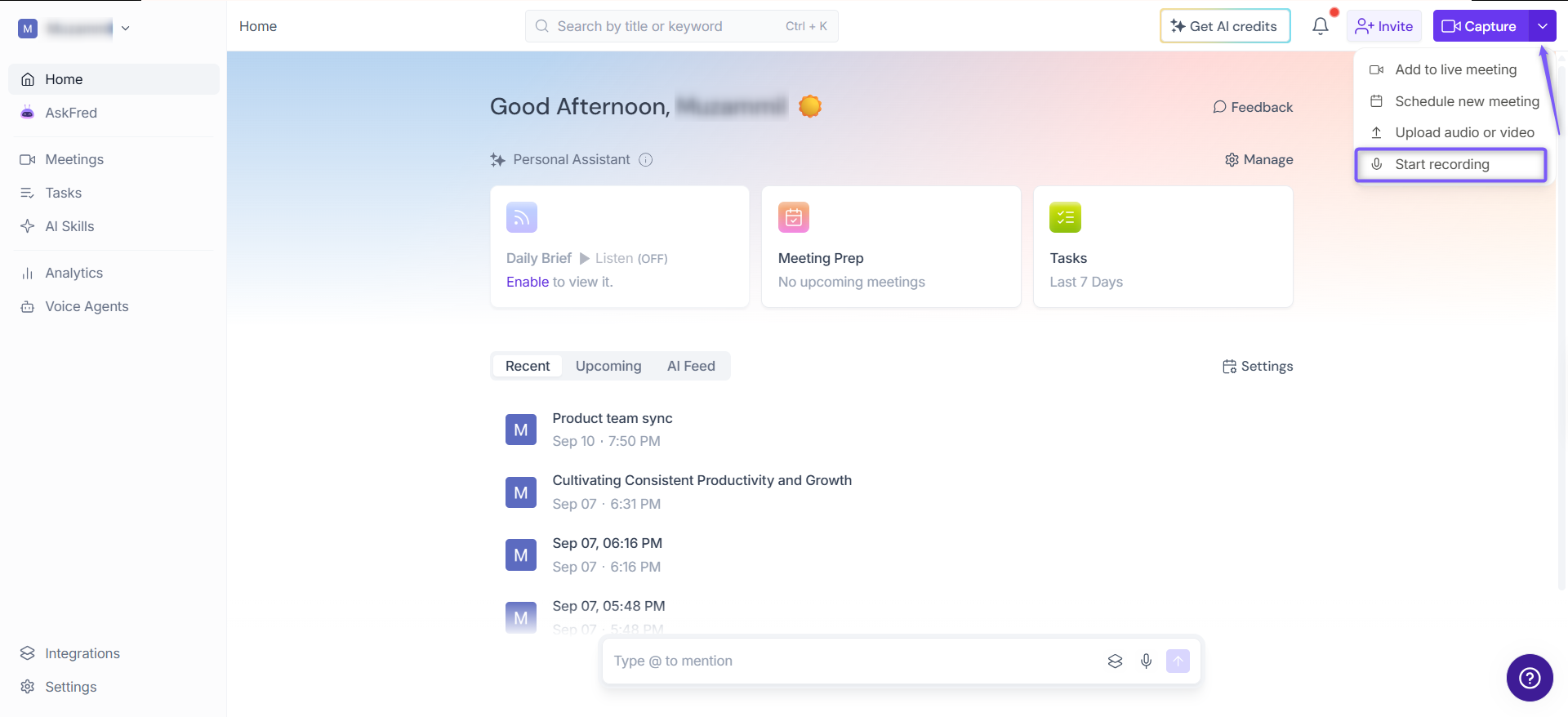
Step 2: Click the dropdown arrow next to Capture in the top-right corner and select Start recording.
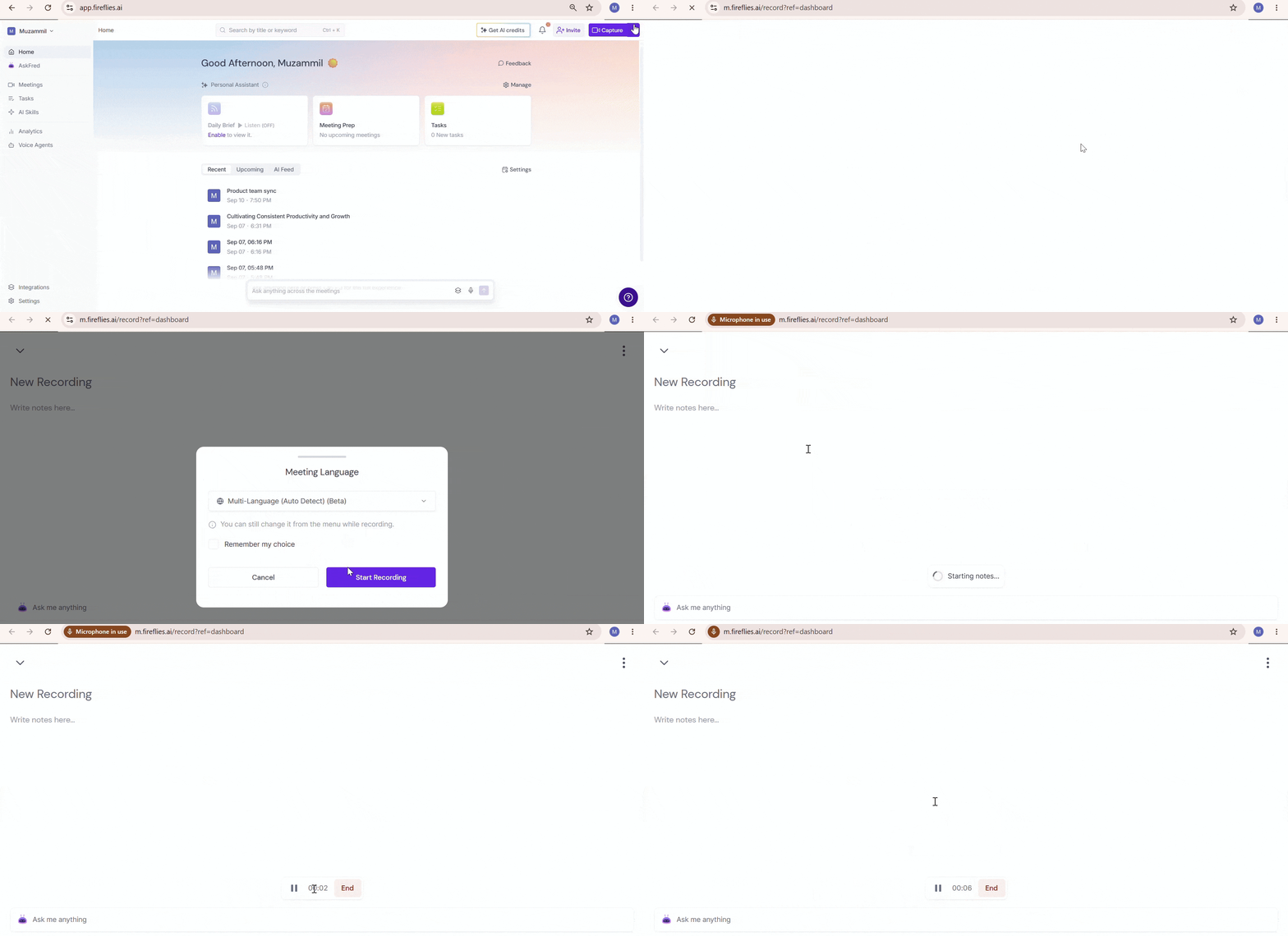
Step 3: The recorder opens in a new browser tab with a New Recording page. Recording starts automatically, and a timer displays the recording duration.
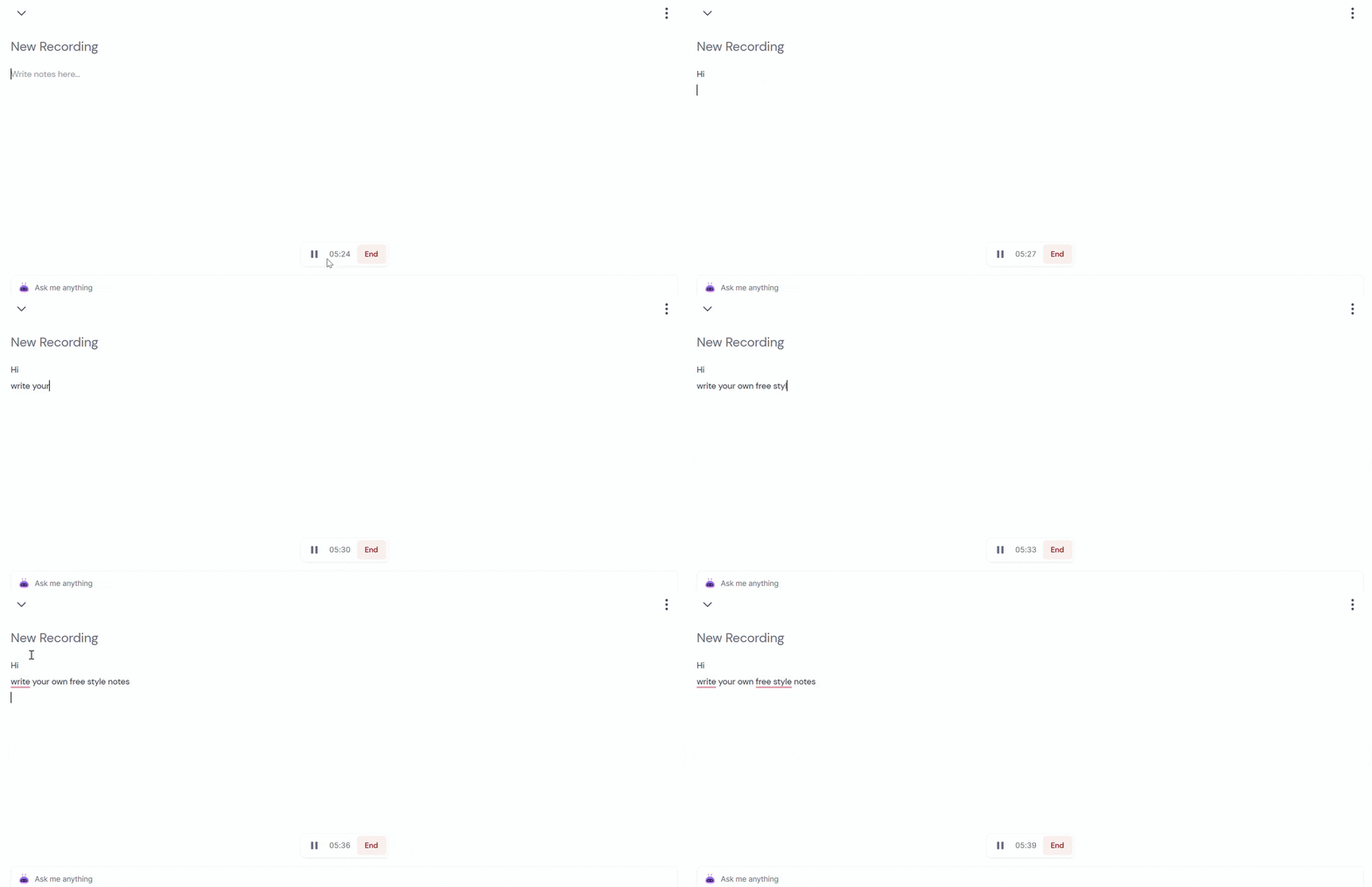
Step 4: To add your own notes, click Write notes here... and type your notes while the recording is in progress. You can write free-style notes in your own words to capture important points or add context to the conversation.
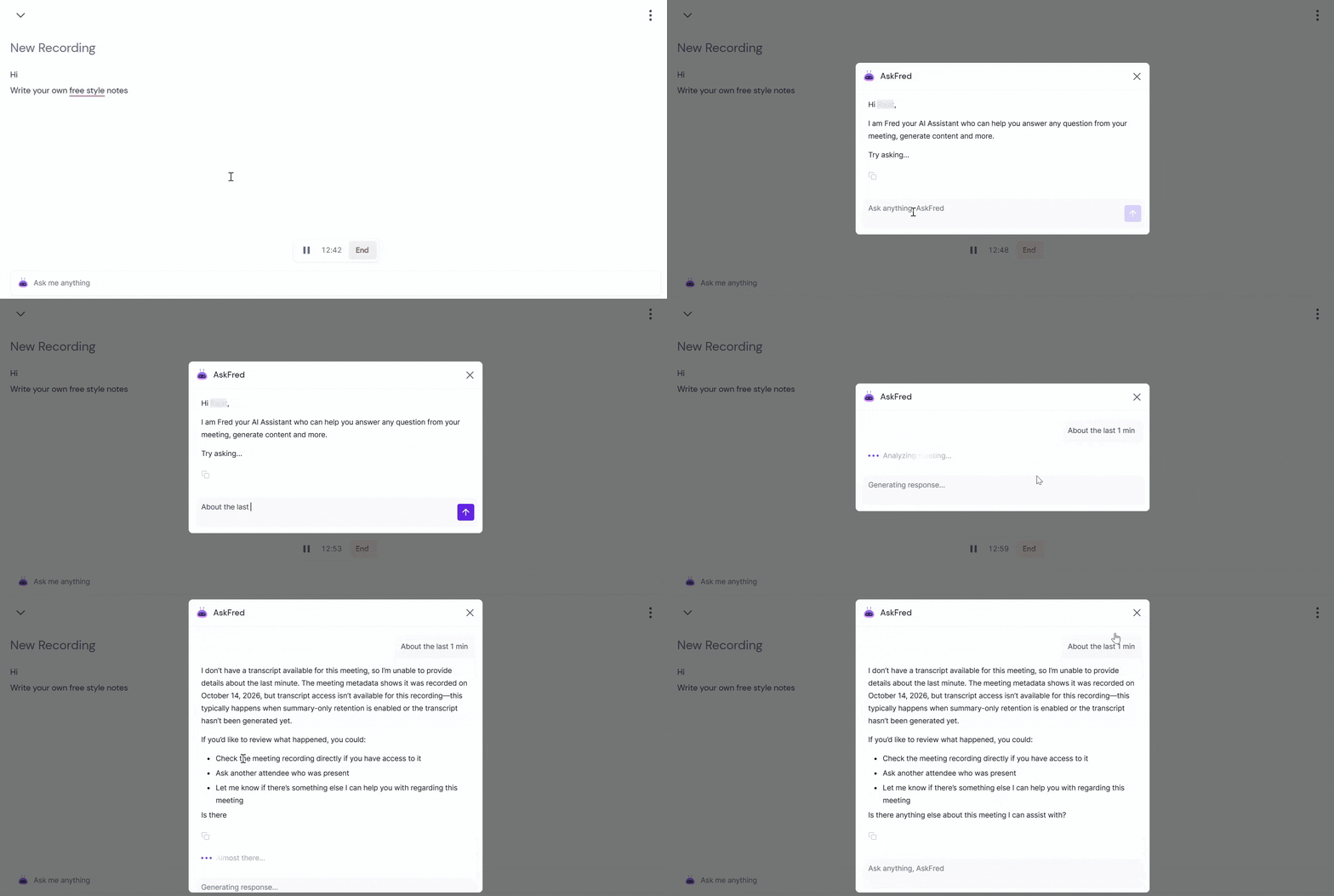
Step 5: To use AskFred, click Ask me anything at the bottom of the recorder. You can ask questions about your meeting or use AskFred to generate content and get help with tasks.
💡 Using AskFred is optional and isn't required to record audio.
Step 6: Use the available recording options as needed:
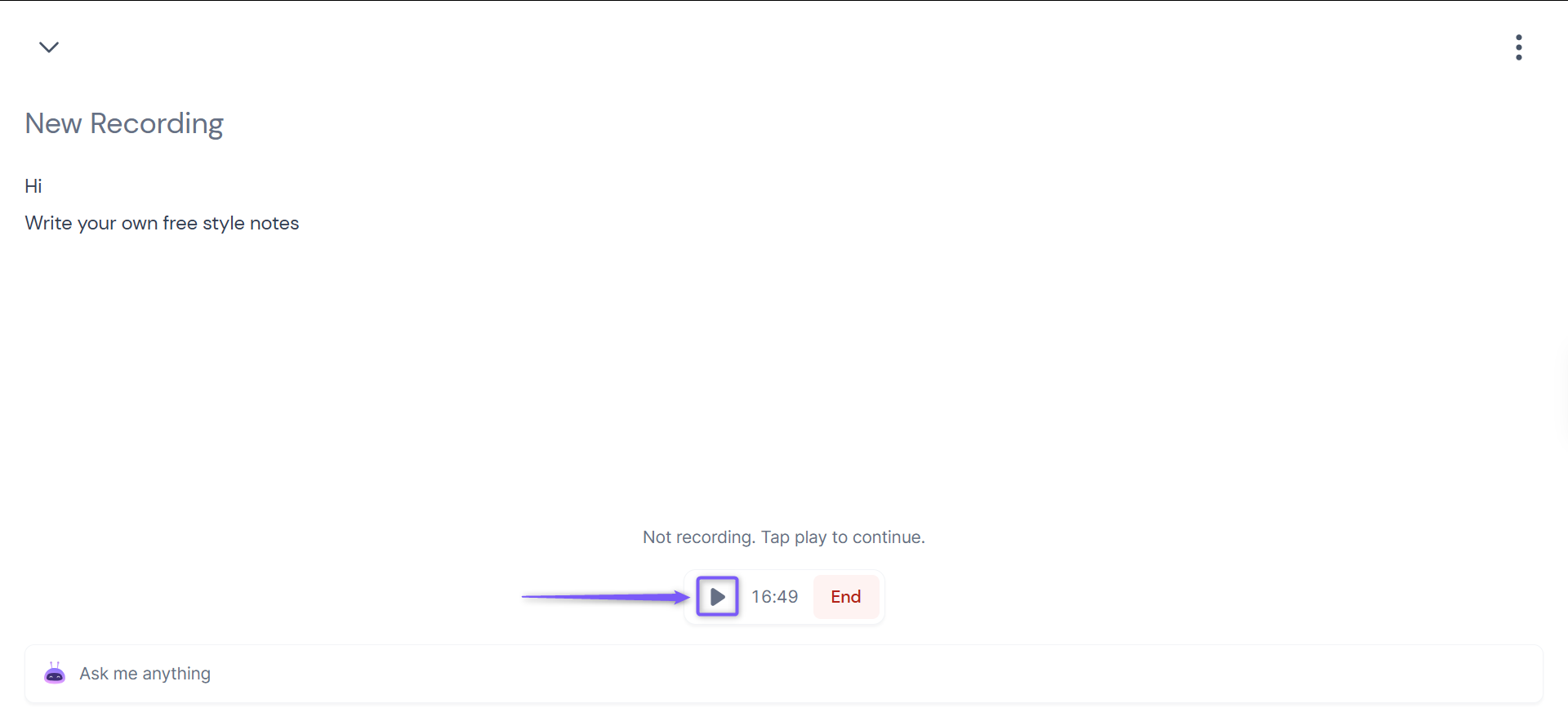
Use the controls at the bottom of the page to pause or resume recording.
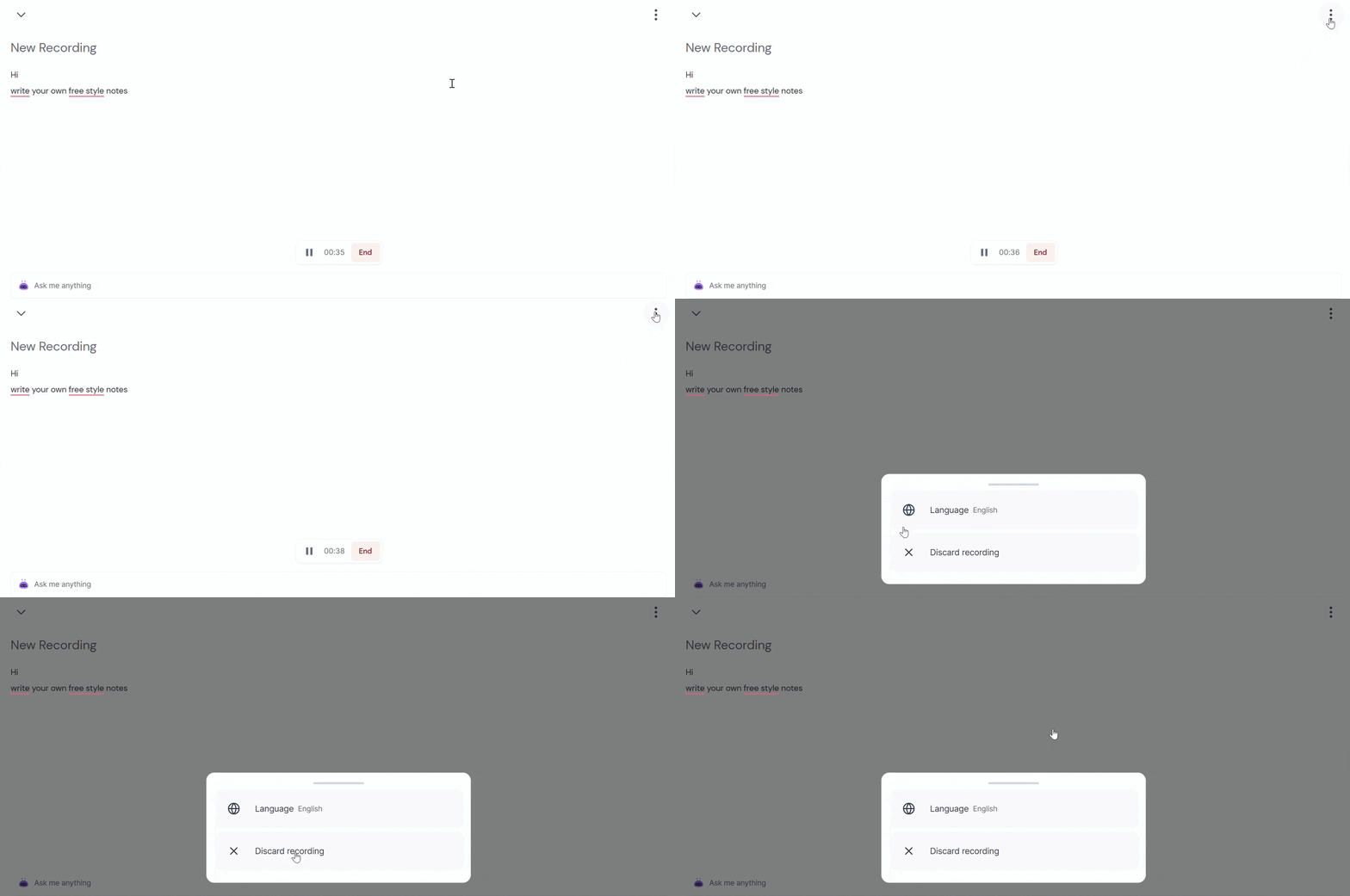
Click the three-dot menu in the top-right corner to change the recording language or discard the recording if you no longer need it.
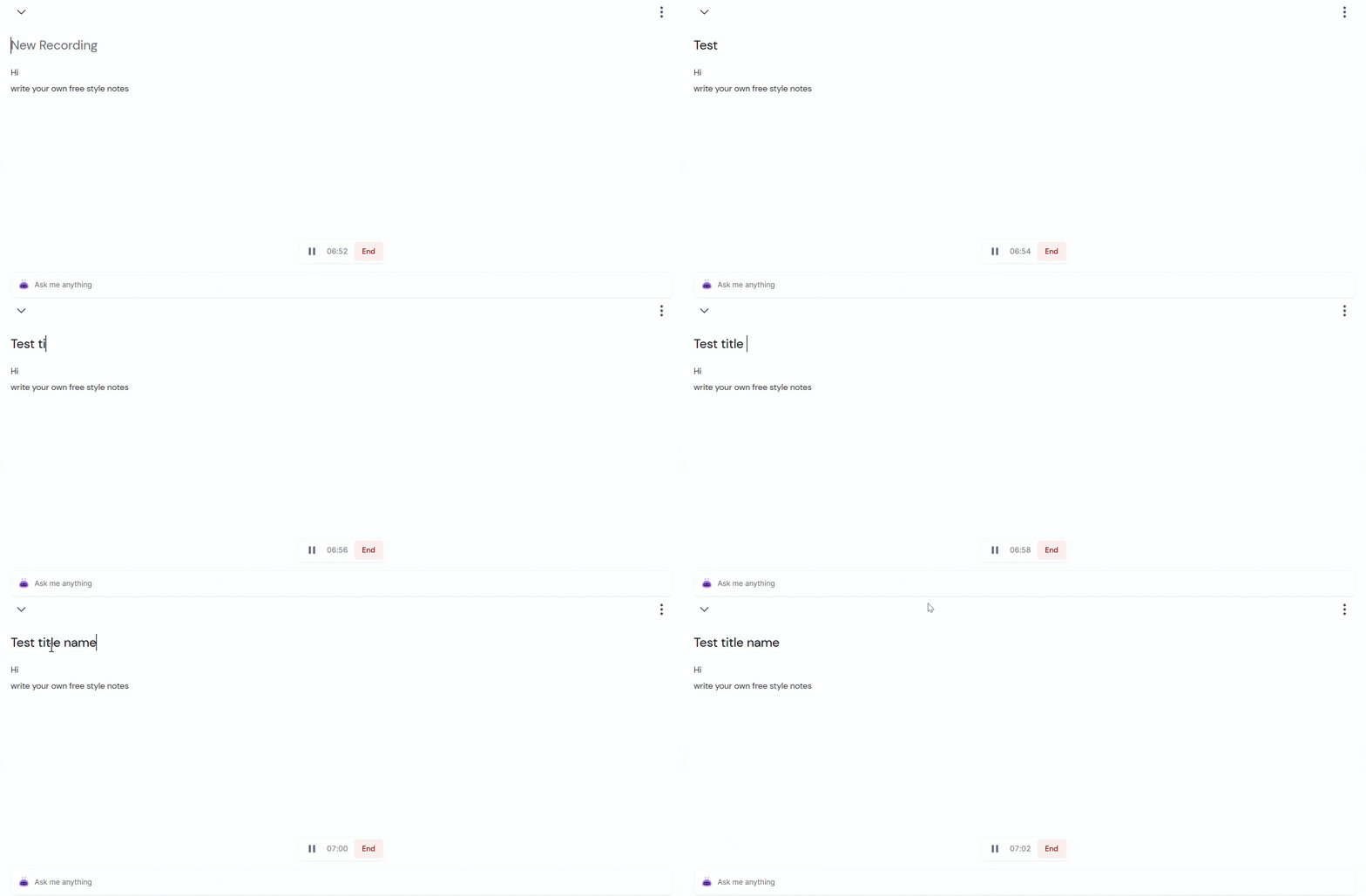
Step 7: Before ending the recording, enter a descriptive title for your recording if needed.
Step 8: When you're finished, click End to stop the recording, then wait for it to upload.
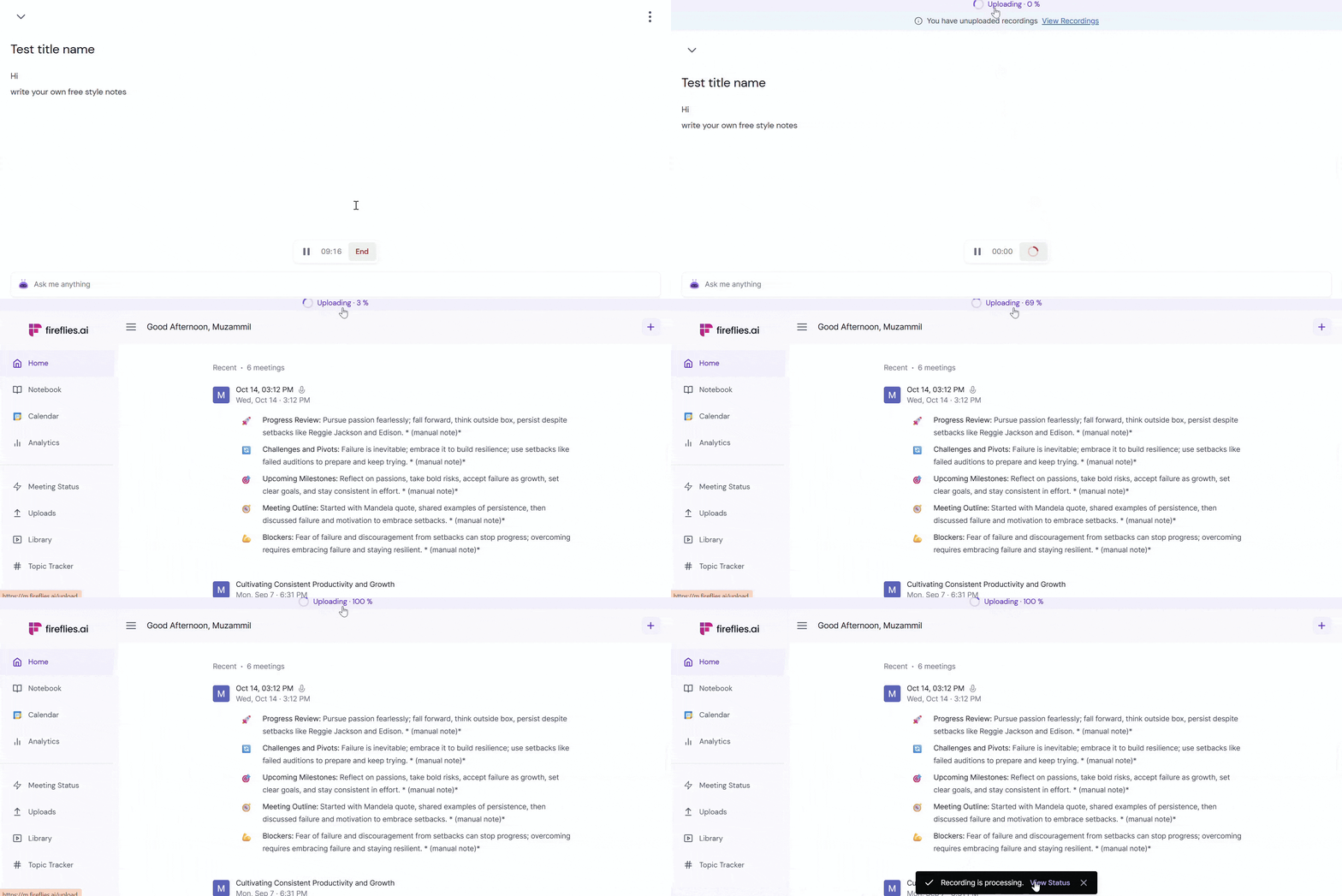
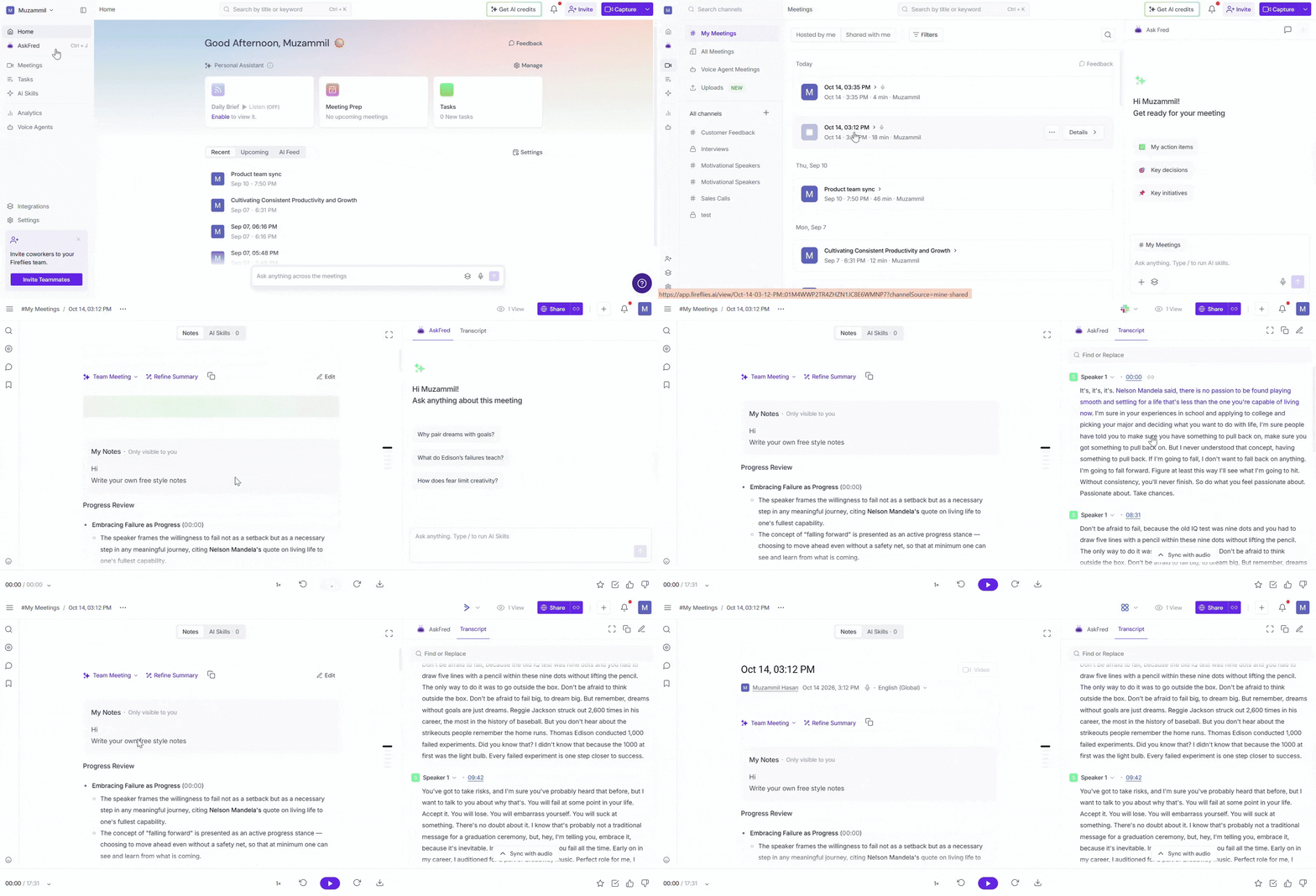
Step 9: Once it's processed, you can find it on the Meetings page in your Fireflies dashboard to review your saved notes and recording details.
✅ Perfect for These Scenarios
Use Case | Why It Works |
|---|---|
In-person meetings | Capture audio from conversations that don't take place on a video conferencing platform. |
Brainstorming sessions | Record discussions while adding your own manual notes. |
Voice notes | Capture thoughts and reminders directly from your browser. |
Quick recordings | Record audio without scheduling a meeting or inviting the Fireflies Notetaker to a call. |
👉🏻 Prefer to use your mobile? Check out our guide to learn how to record offline meetings using the Fireflies mobile app.
🧠 Making the Most of Web Recorder
Browser-based recording: Start recording directly from your browser without downloading a separate recording tool.
Manual notes: Write free-style notes in your own words while recording to capture important points or add context to the conversation.
Pause and resume: Pause the recording when needed and resume when you're ready to continue.
Recording language: Change the language using the options in the recorder.
❓ Frequently Asked Questions
Q1. Does recording start automatically?
Yes. In the demonstrated interface, recording starts when the New Recording page opens.
Q2. Can I write my own notes while recording?
Yes. Use the Write notes here... area to add your own notes while the recording is in progress.
Q3. Can I pause and resume a recording?
Yes. Use the pause and play controls at the bottom of the recorder to pause and resume recording.
Q4. Where can I find my recording afterward?
After the recording uploads and finishes processing, you can find it on the Meetings page in your Fireflies dashboard.
📚 Related Guides
Want to capture an in-person meeting on your phone? Learn how to transcribe offline meetings using the Fireflies mobile app.
Need to invite Fireflies to a meeting already in progress? Learn how to add Fireflies to an ongoing meeting.