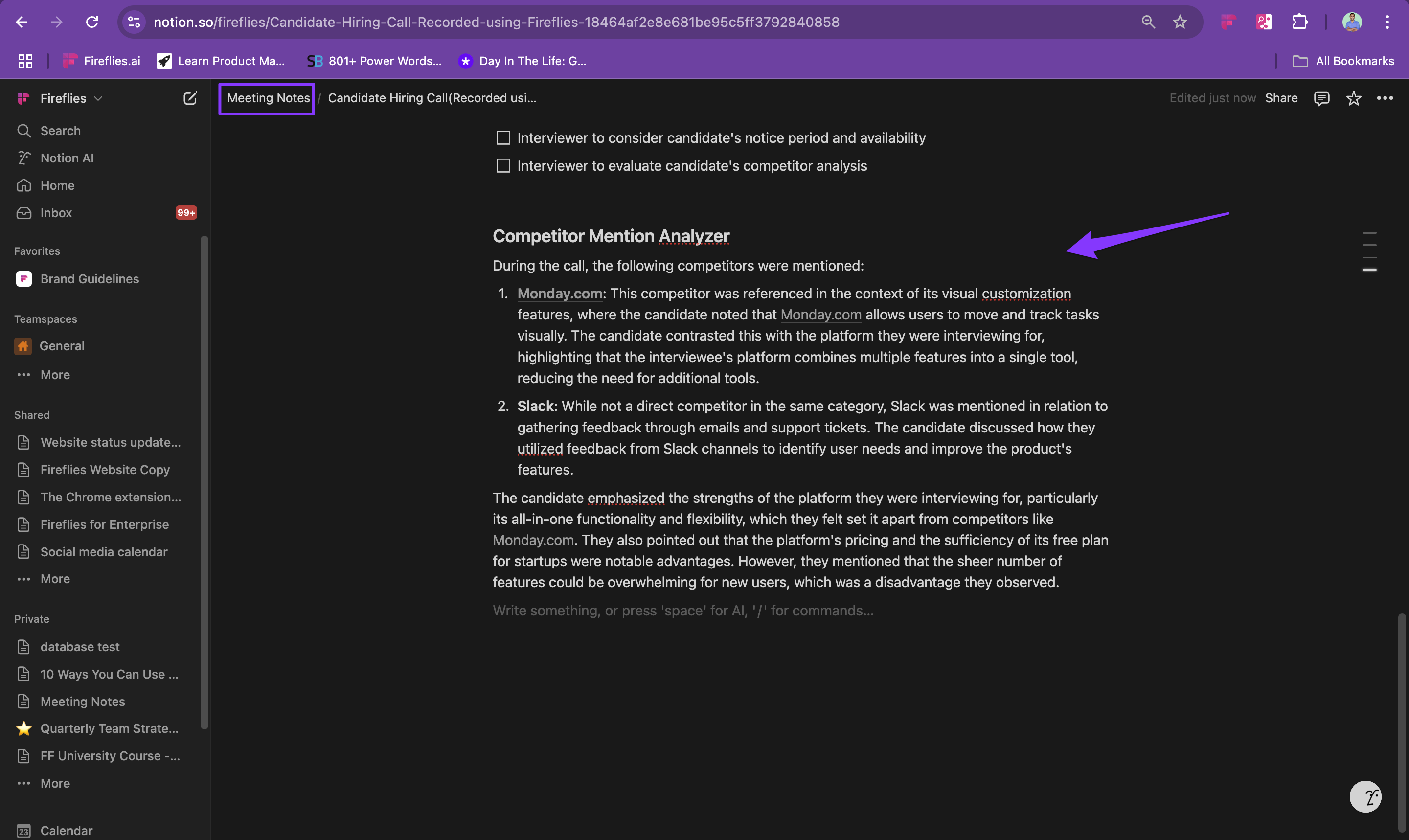
How to send AI Skill output to Notion
Last updated: March 17, 2026
This guide explains how you can automatically log the outputs of AI Skills to Notion.
Related: Getting started with AI skills
What are AI Skills
AI Skills help you extract information from your meetings, customize summaries and notes to your, or generate content. For example, you can use AI Skills to
- Create candidate interview scorecards based on your interview calls.
- Extract Budget, Authority, Need and Timeline details from sales calls.
- Analyze competitor mentions from calls and create a competitor analysis report.
You can also send AI Skills' output directly to Notion. This guide covers the steps to do so.
Related article: How to integrate Fireflies with Notion
How to automatically log AI Skills outputs to Notion
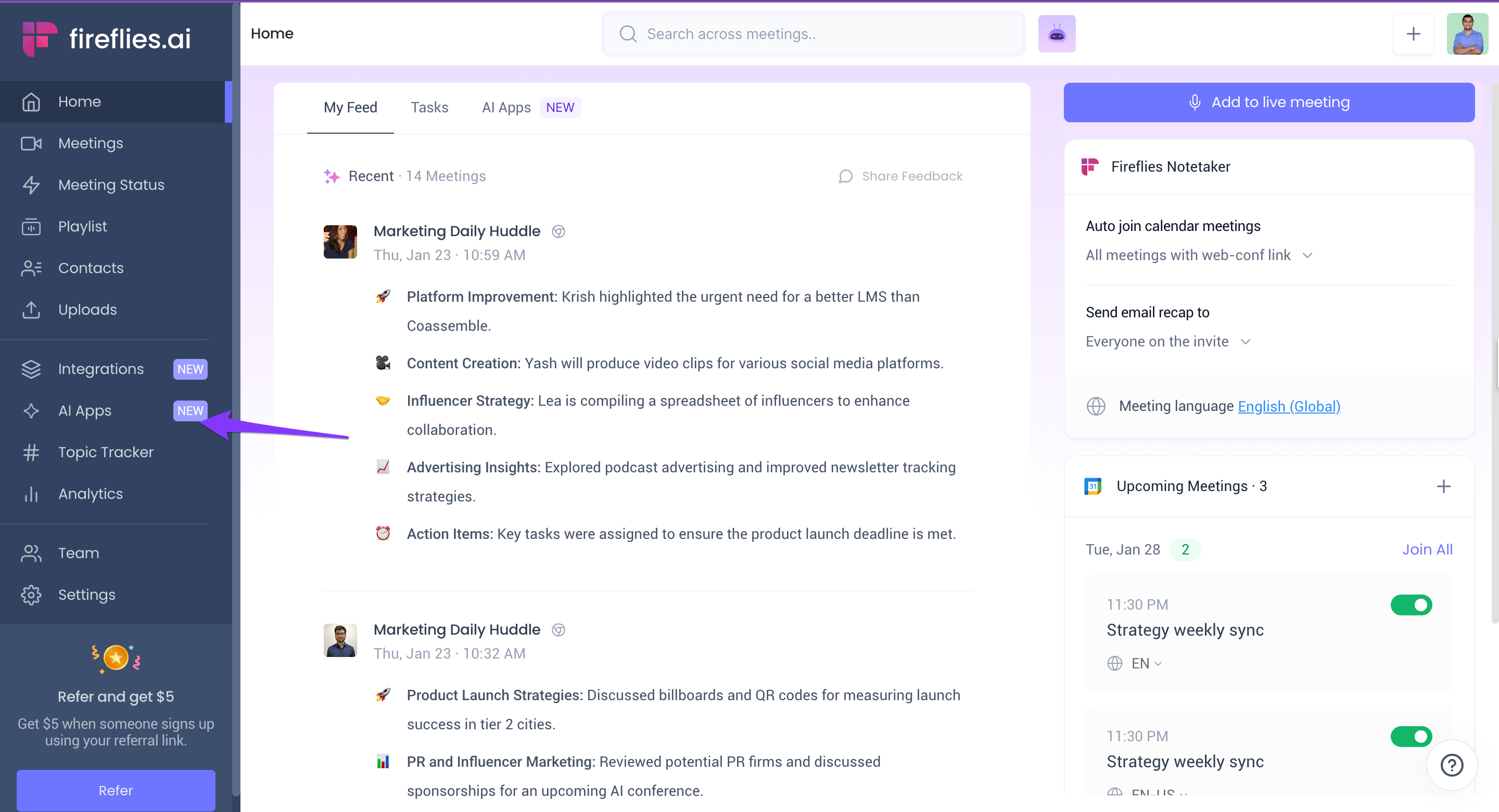
- Log into your Fireflies account and click AI Skills.
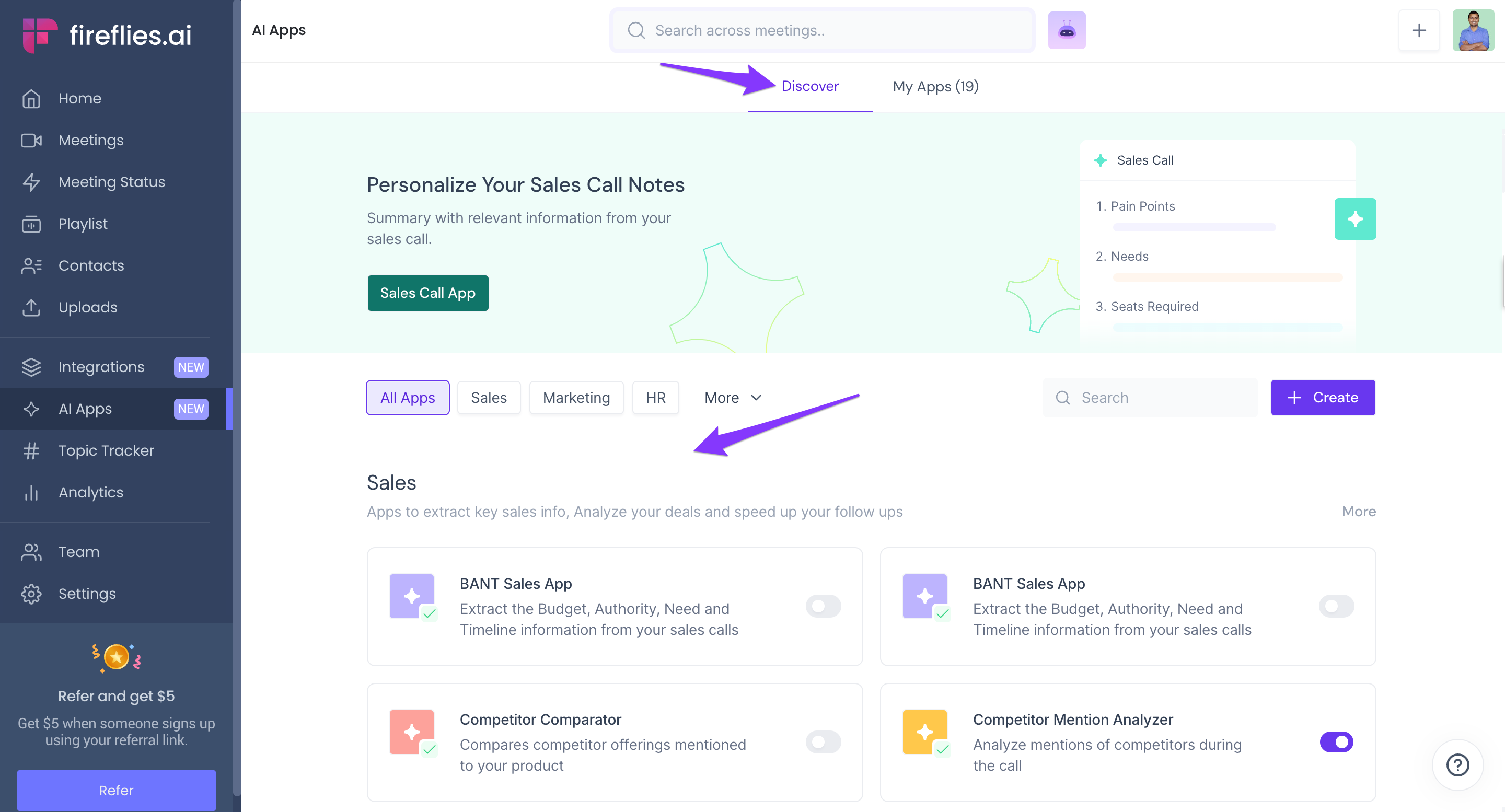
- Choose a pre-built AI Skill from the Discover tab.
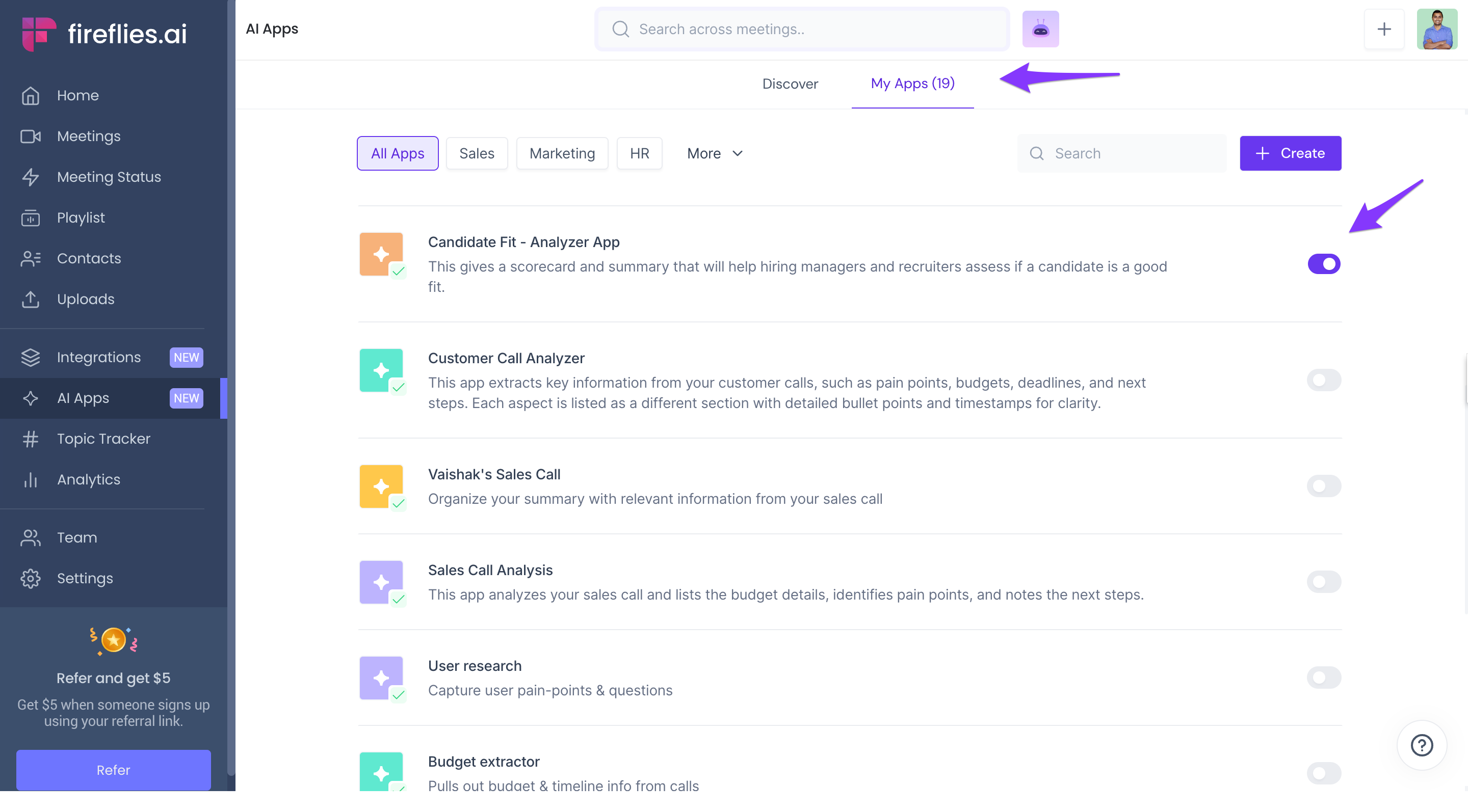
- Alternatively, pick an AI Skill you've built from scratch from the My Skills page.
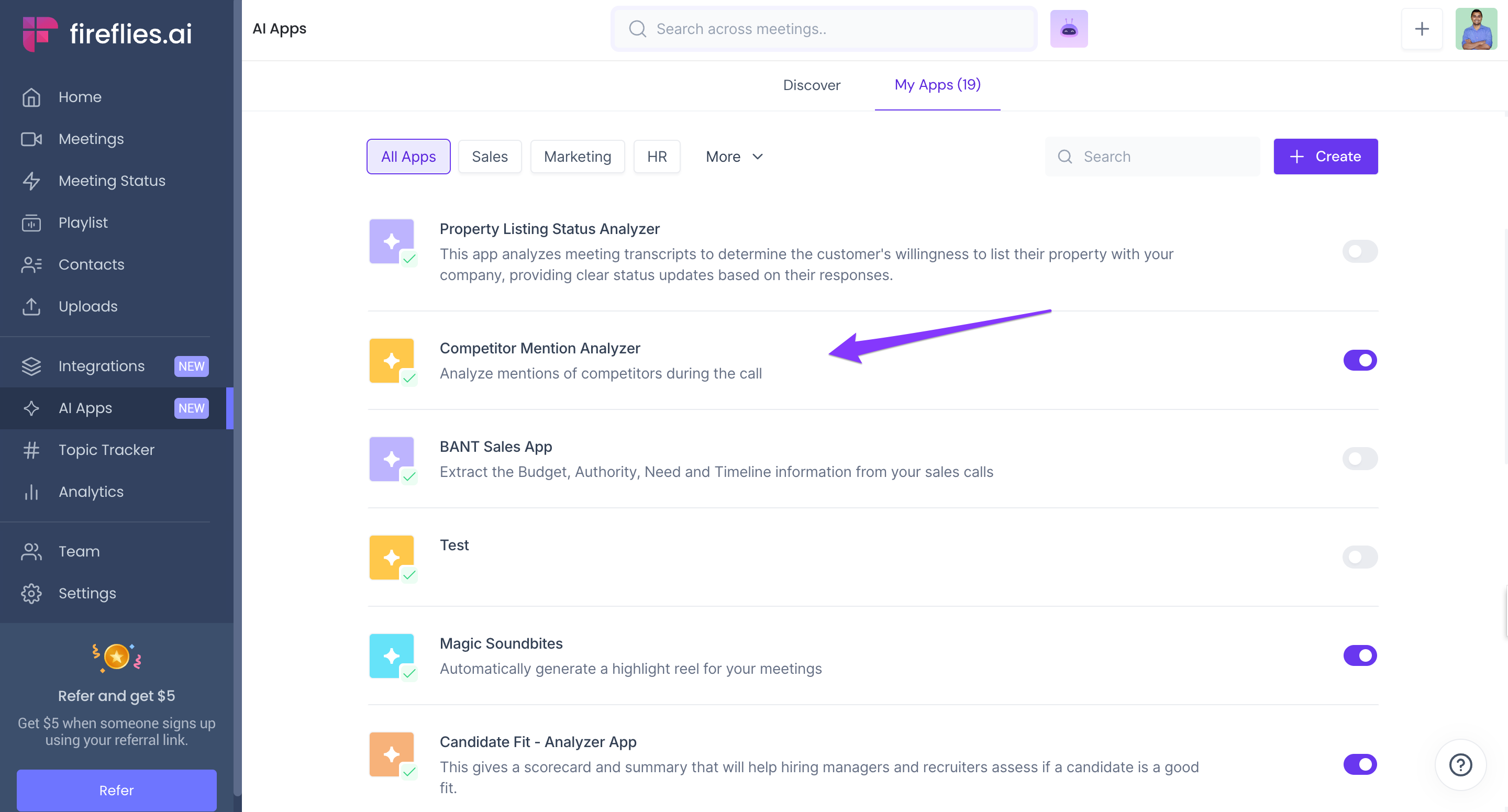
- Click on the desired skill.
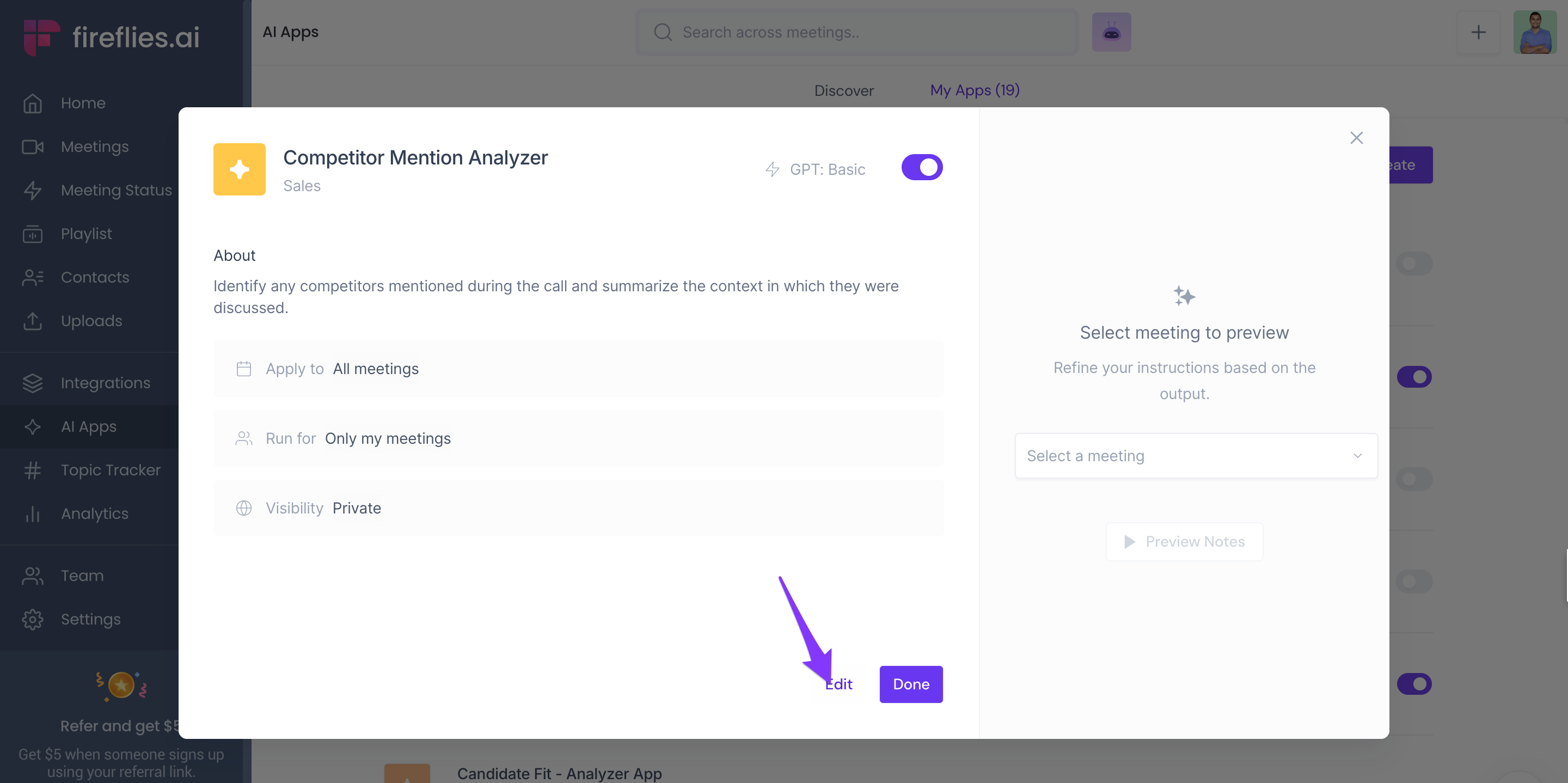
- Click Edit.
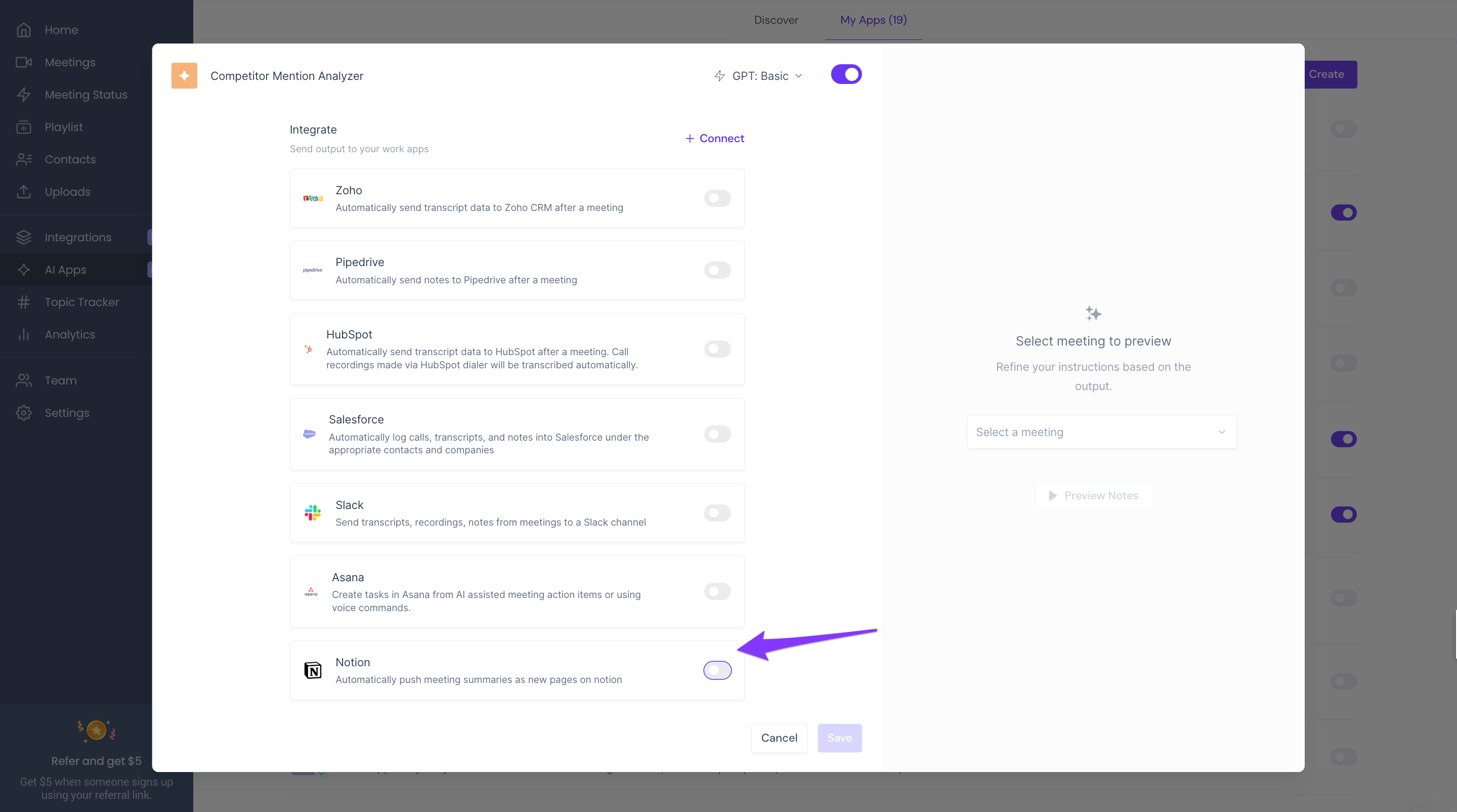
- Scroll down to Integrations and enable the toggle next to Notion.
- Select a Notion page, and click Save.
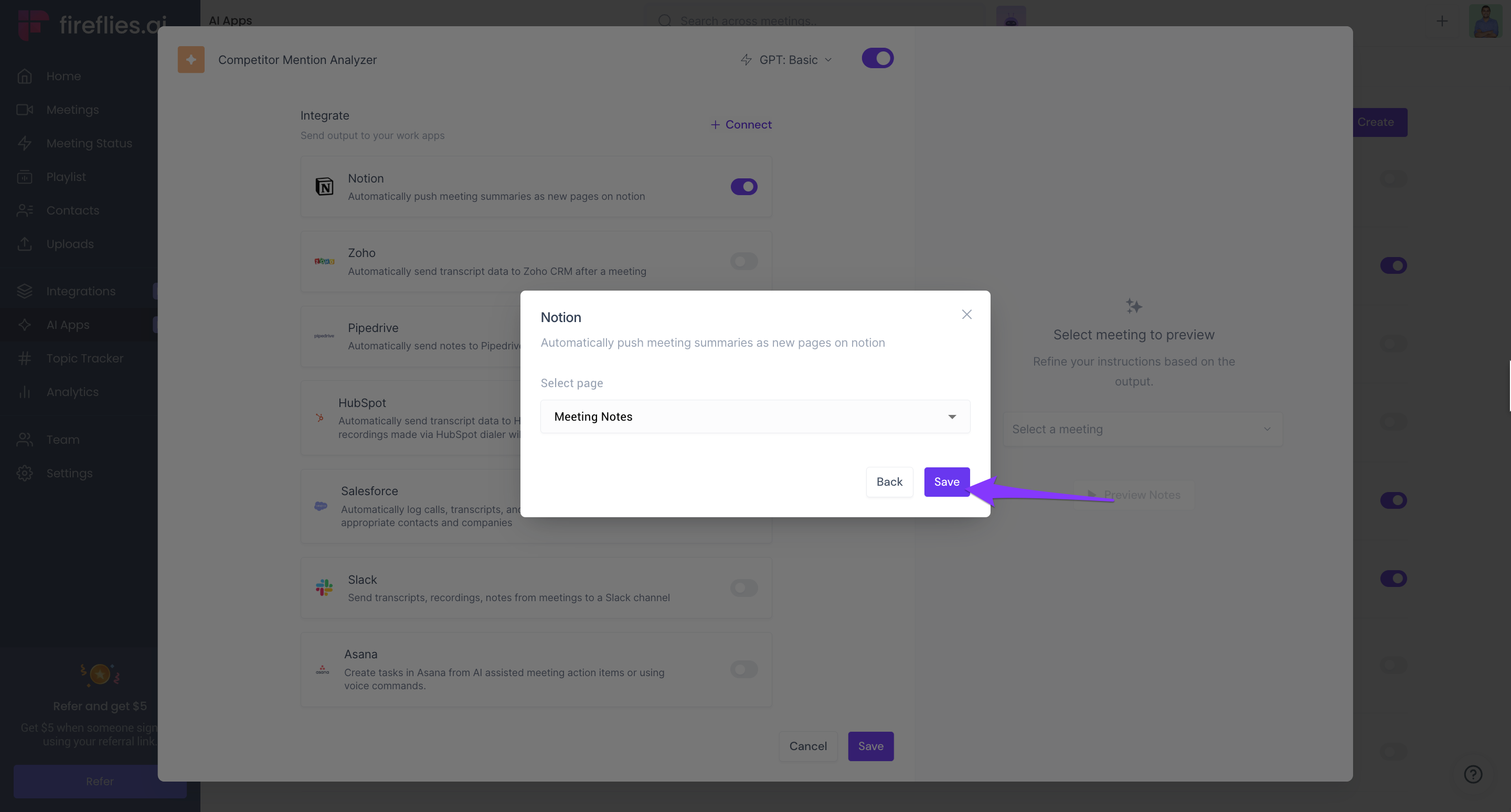
- Click Save.
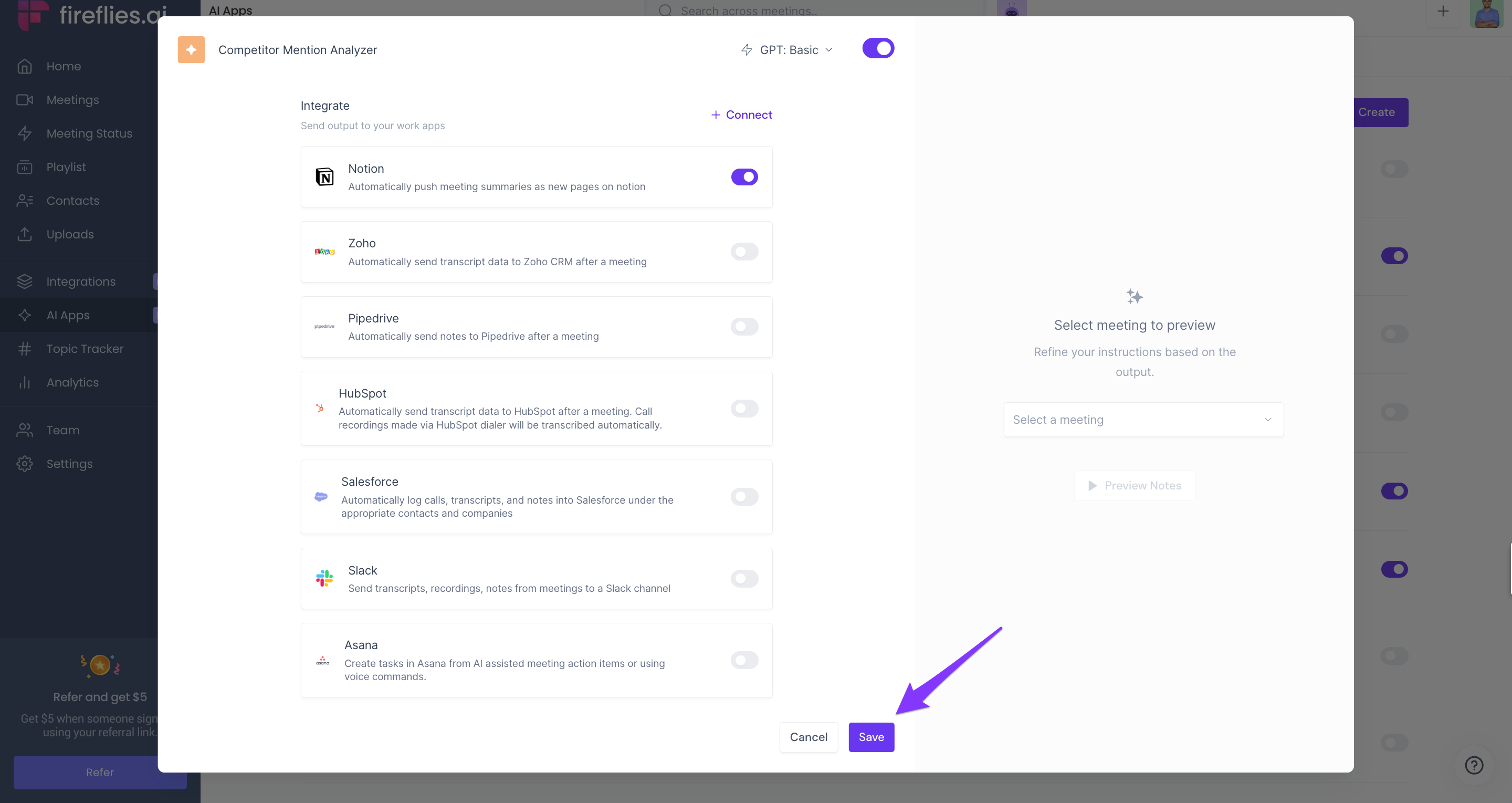
- Fireflies will now share the AI Skill output to the desired Notion page.