How to integrate Fireflies with Redtail CRM
Last updated: March 11, 2026
This guide covers how to enable, customize, use, and disable the Redtail integration with Fireflies.
What is Fireflies–Redtail integration?
The Fireflies–Redtail integration allows wealth management professionals to automatically log meeting notes, action items, and tasks into Redtail CRM. This integration eliminates the need for manual data entry and ensures your client interactions are always up-to-date and compliant.
How to integrate Redtail with Fireflies
Log in to your Fireflies account.
Go to the Integrations tab in the main menu.
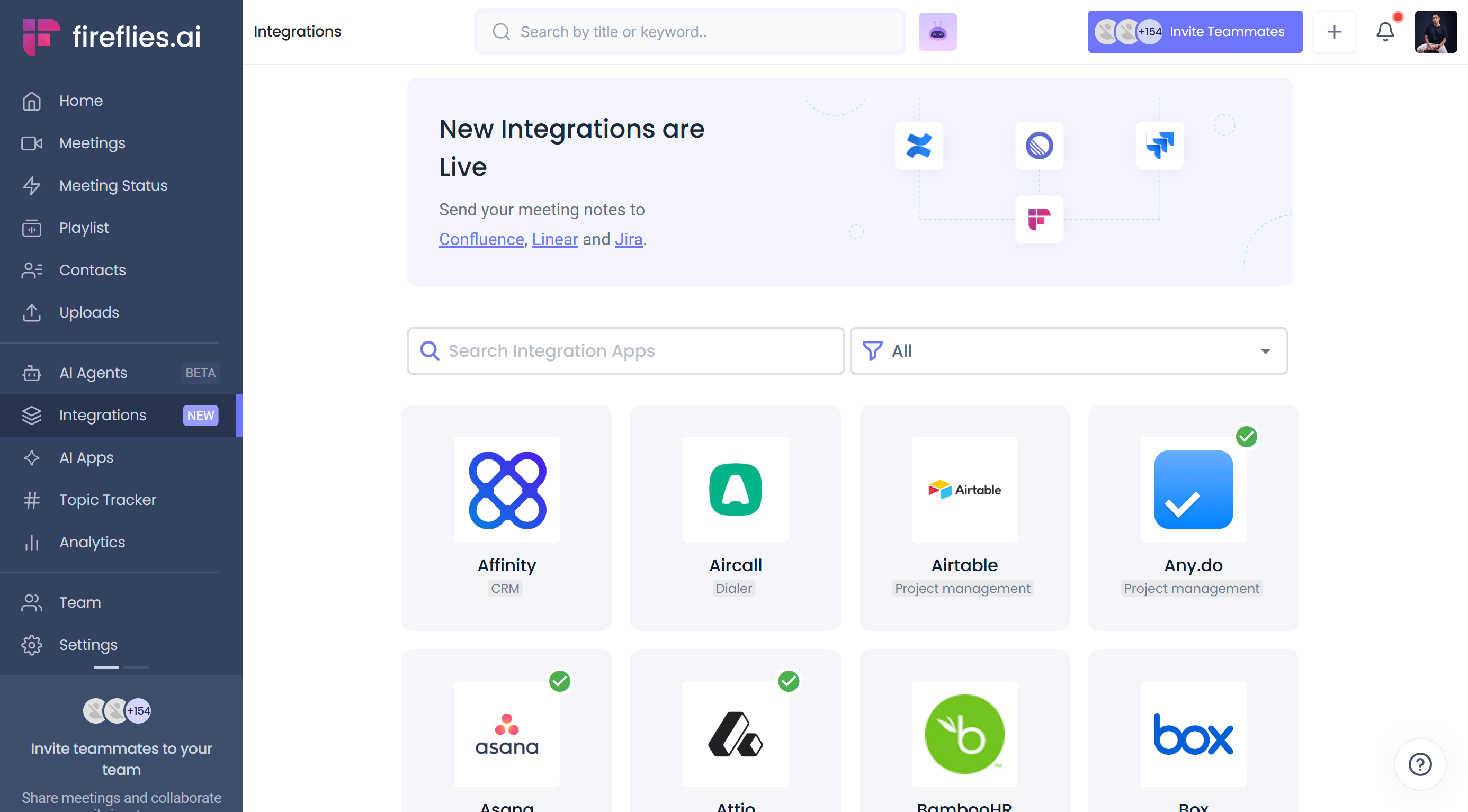
Search for "Redtail" and click on the Redtail integration card.
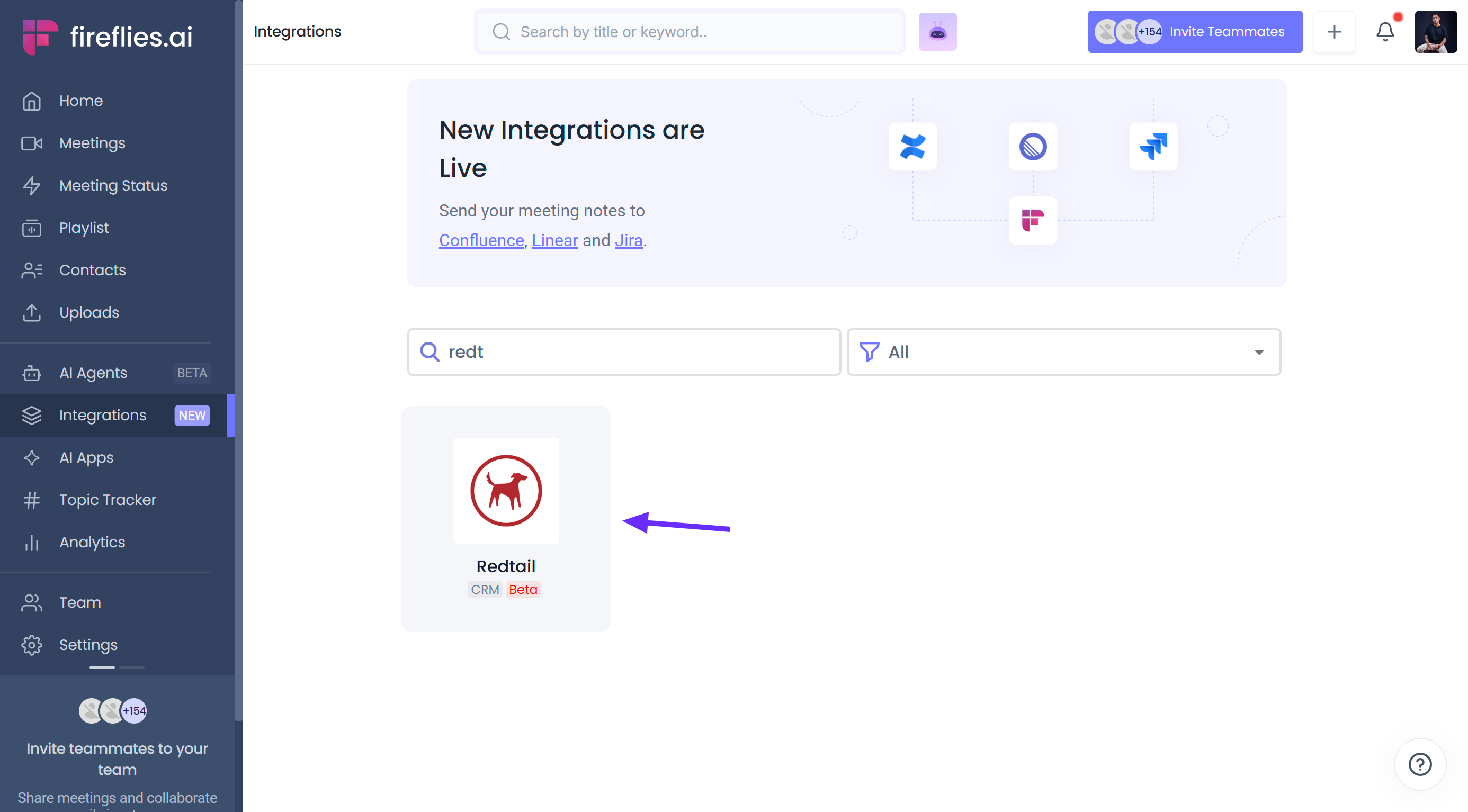
Click Connect.
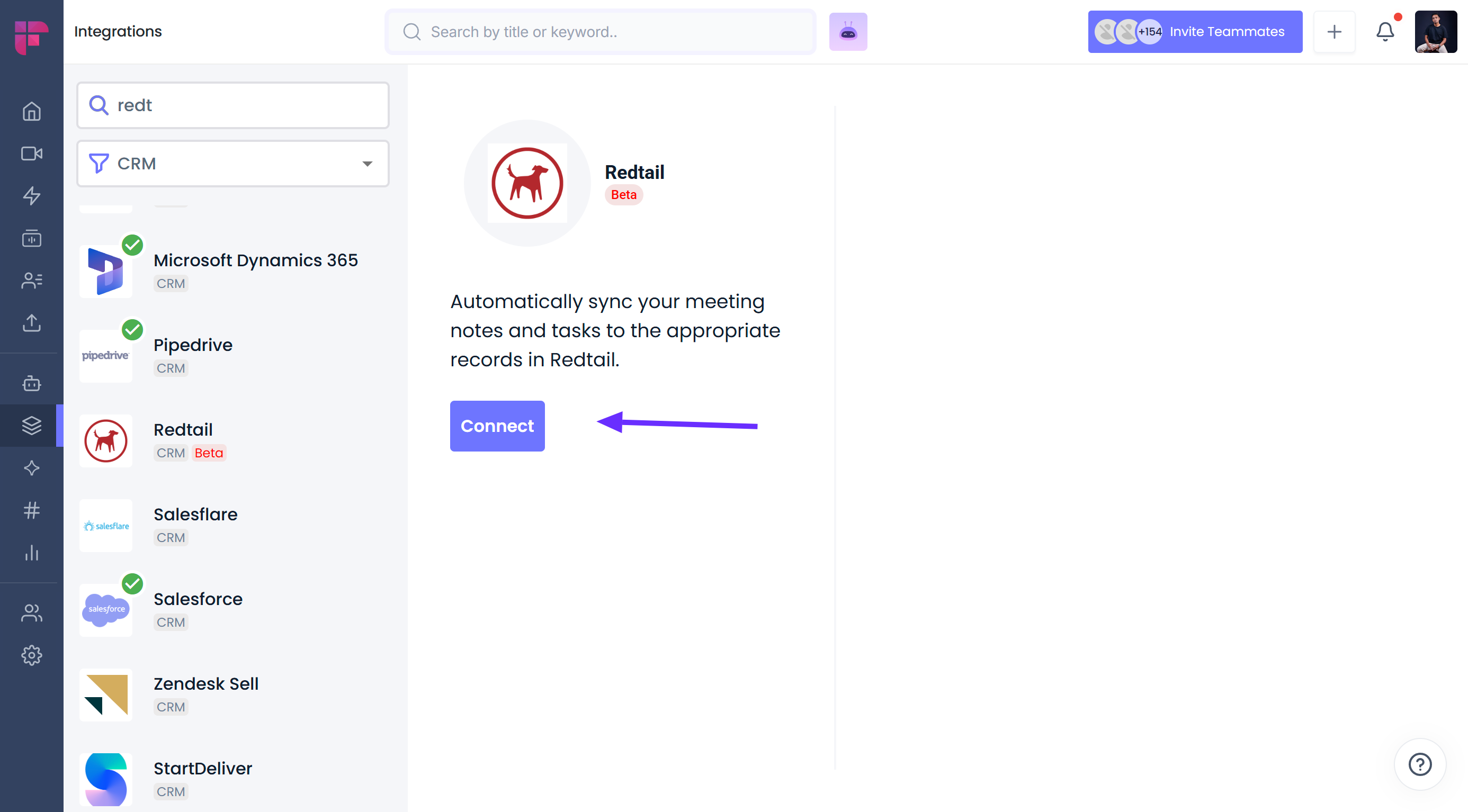
Enter your Redtail username and password to authorize access.
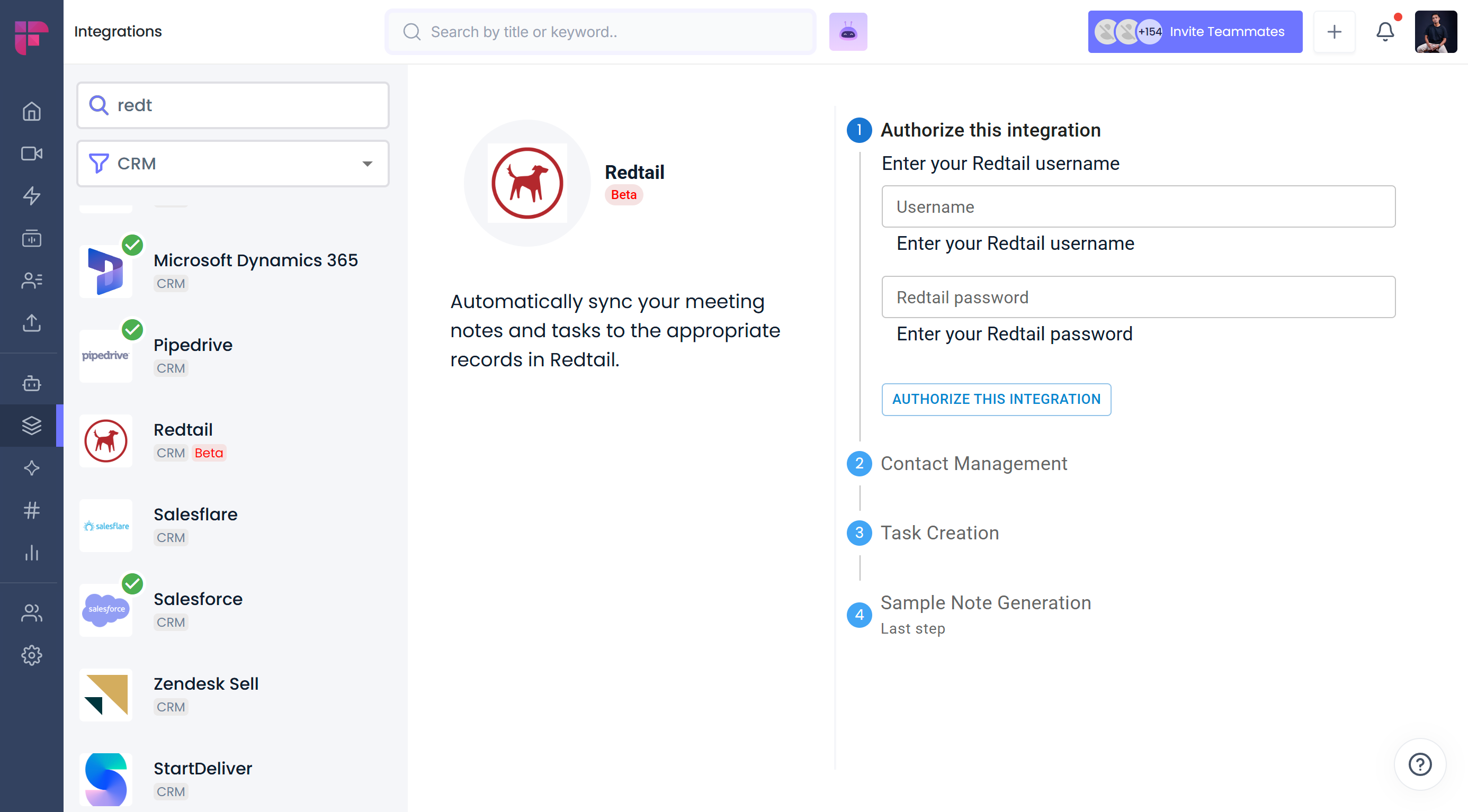
Once authenticated, click Authorize to proceed with configuration.
How to customize Redtail integration settings
After connecting, you can tailor the sync behavior to match your workflow:
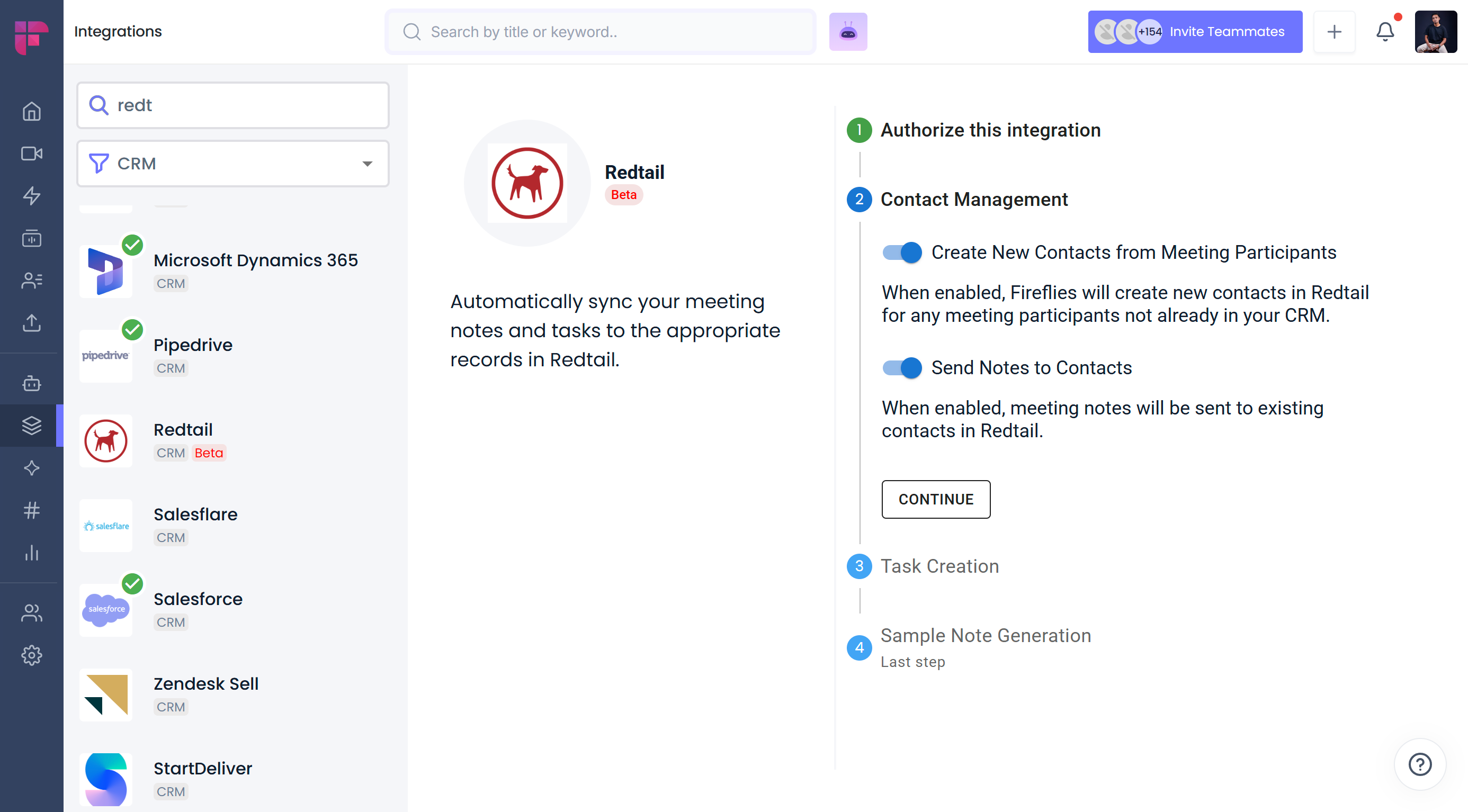
Create new contacts automatically
Fireflies will identify meeting participants who don’t exist in Redtail and create new contact entries for them.
Sync notes only to existing contacts
Only participants who already exist in Redtail will receive notes from Fireflies meetings.
Create tasks from action items
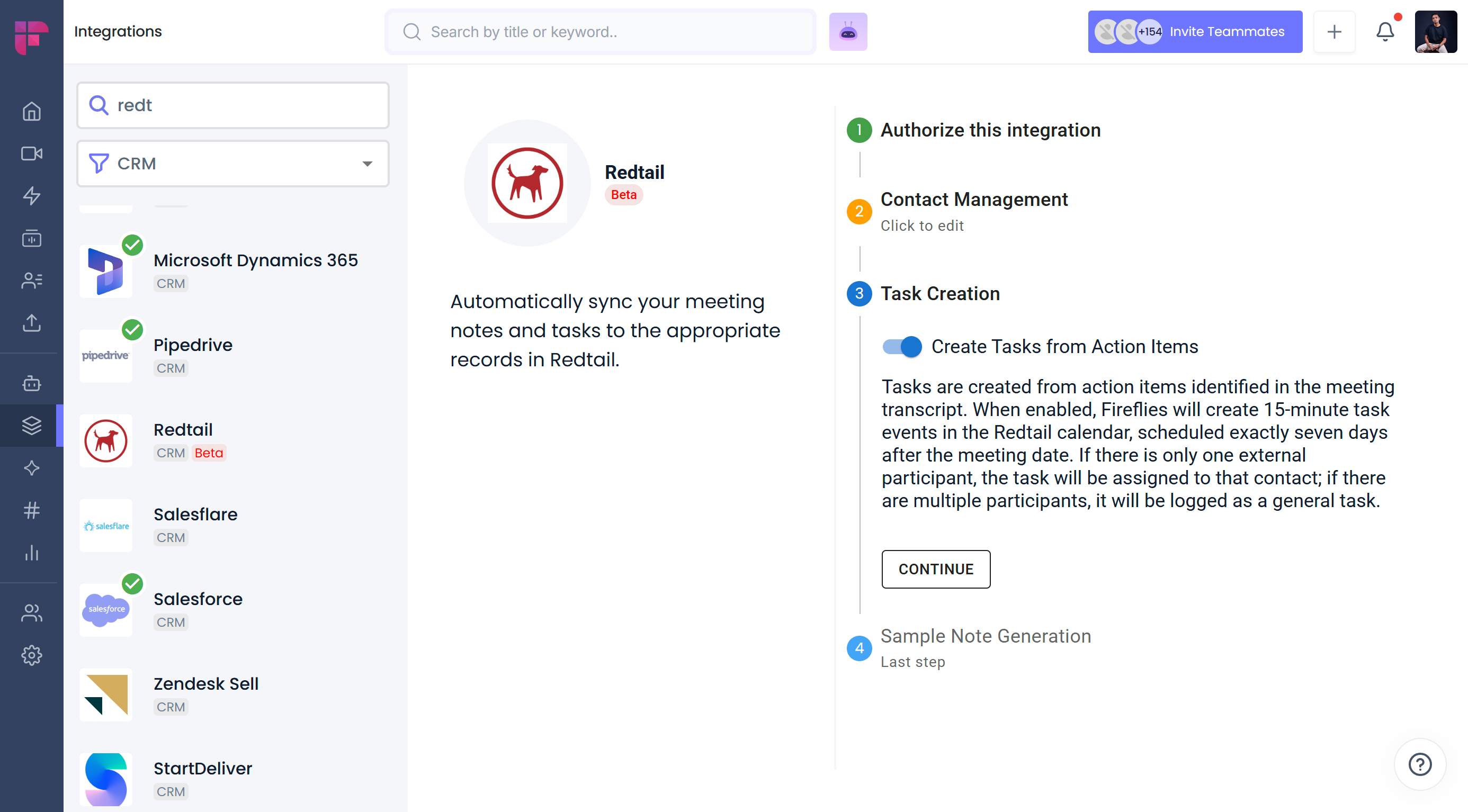
Note: Fireflies automatically turns meeting action items into 15-minute follow-up tasks in Redtail, scheduled 7 days after the meeting.
You’ll also have the option to test the connection by sending a sample note to Redtail.
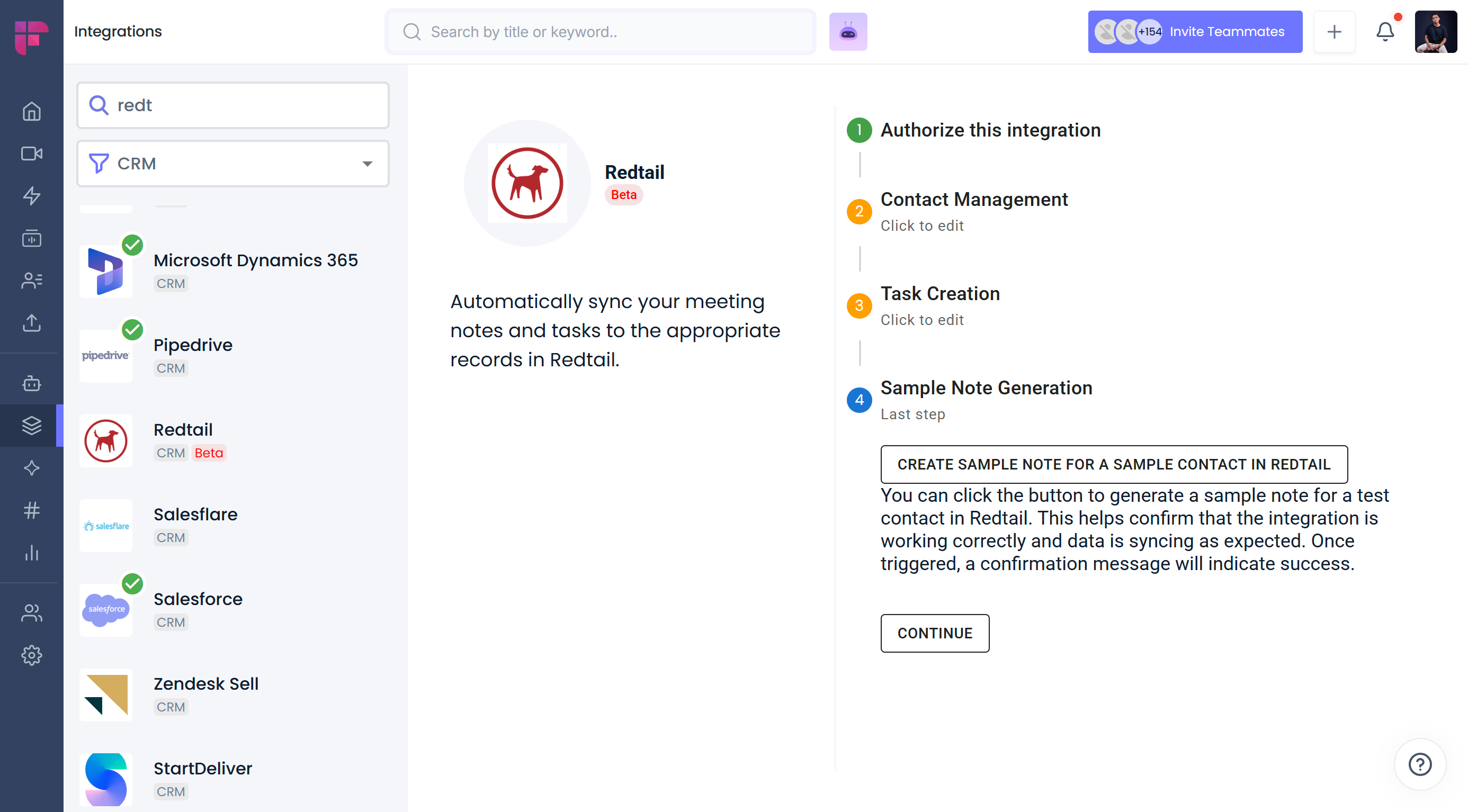
Click Continue, then Save to complete your setup.
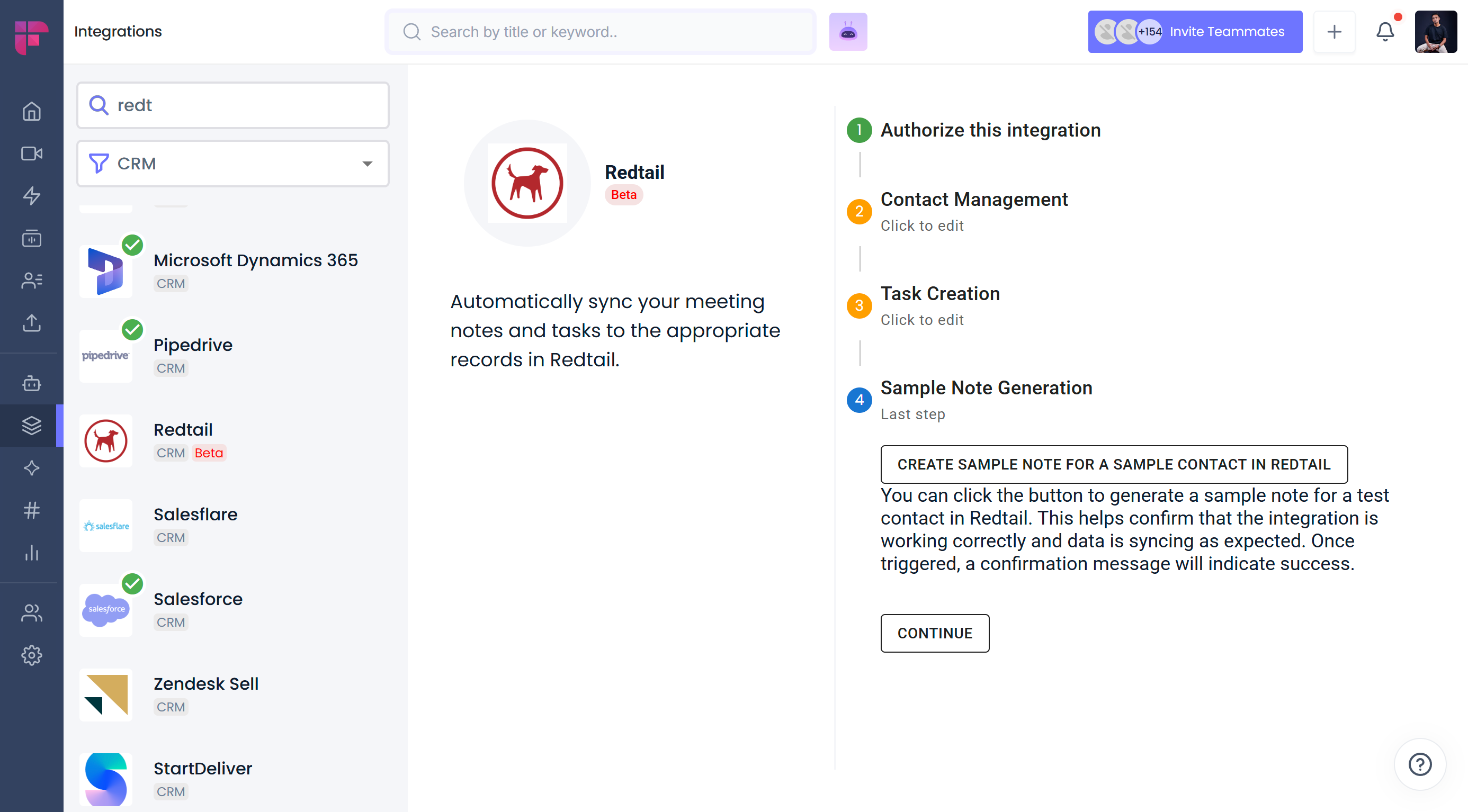
Once setup is complete, you'll see a green checkmark next to the Redtail icon, indicating the integration is active.
How to use the Redtail integration
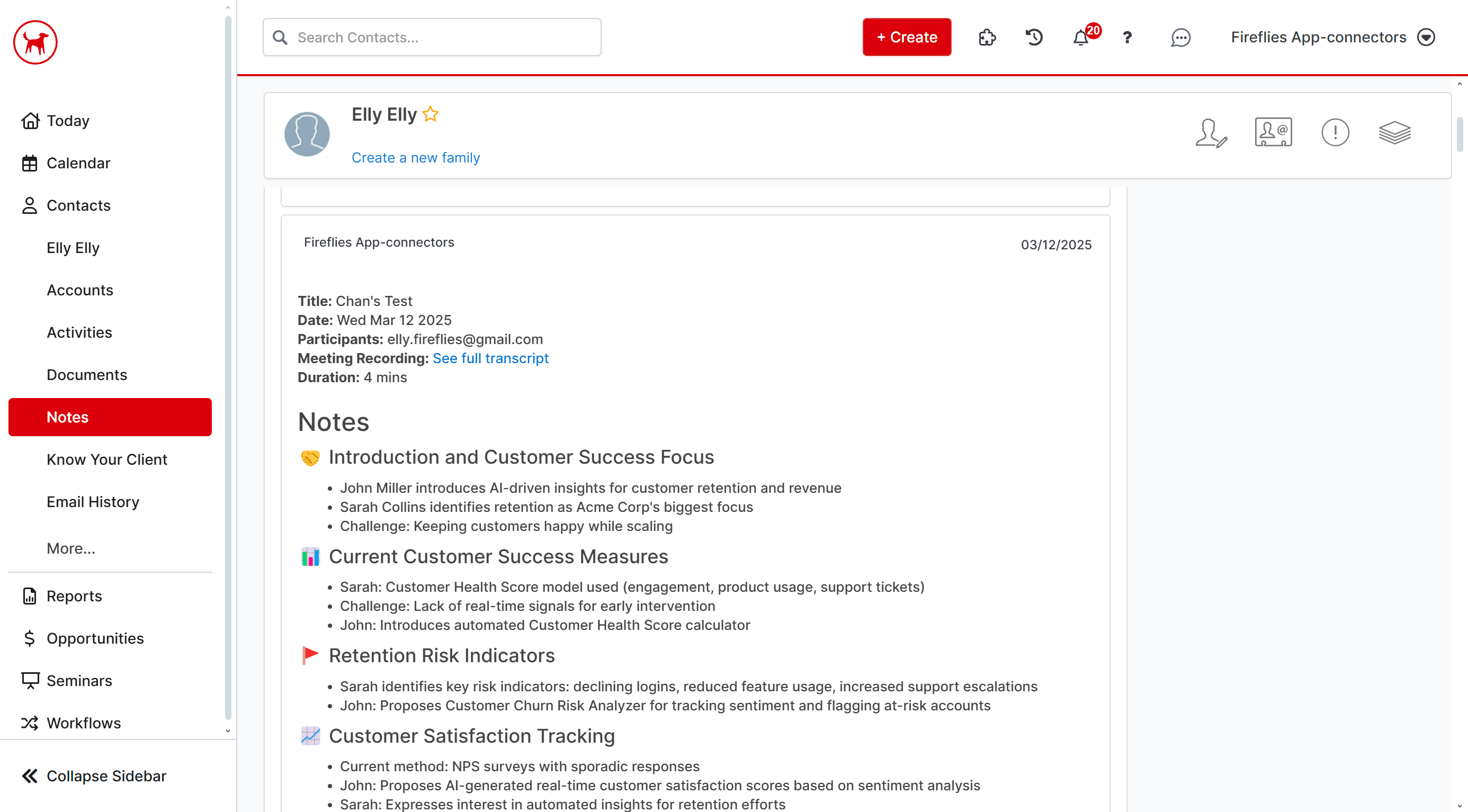
Once set up, the integration works automatically in the background:
Fireflies will sync meeting notes directly to the relevant Redtail contact under the Notes section.
The synced note includes:
Meeting title, date, and participants
A clickable link back to the Fireflies meeting page
Bullet-point notes, keywords, and a conversation overview
This ensures all conversations are documented and accessible in your CRM, helping advisors stay organized and compliant.
✅ Manually send meeting notes to Redtail CRM
Prefer sending only certain meetings to Redtail CRM? Fireflies also allows you to manually send meeting notes directly from the Notepad.
This is helpful when you want to review or edit notes first and then send only the relevant conversations to Redtail CRM contacts—without setting up automation rules or configuration.
How to disable or disconnect the integration
Need to pause or remove the integration?
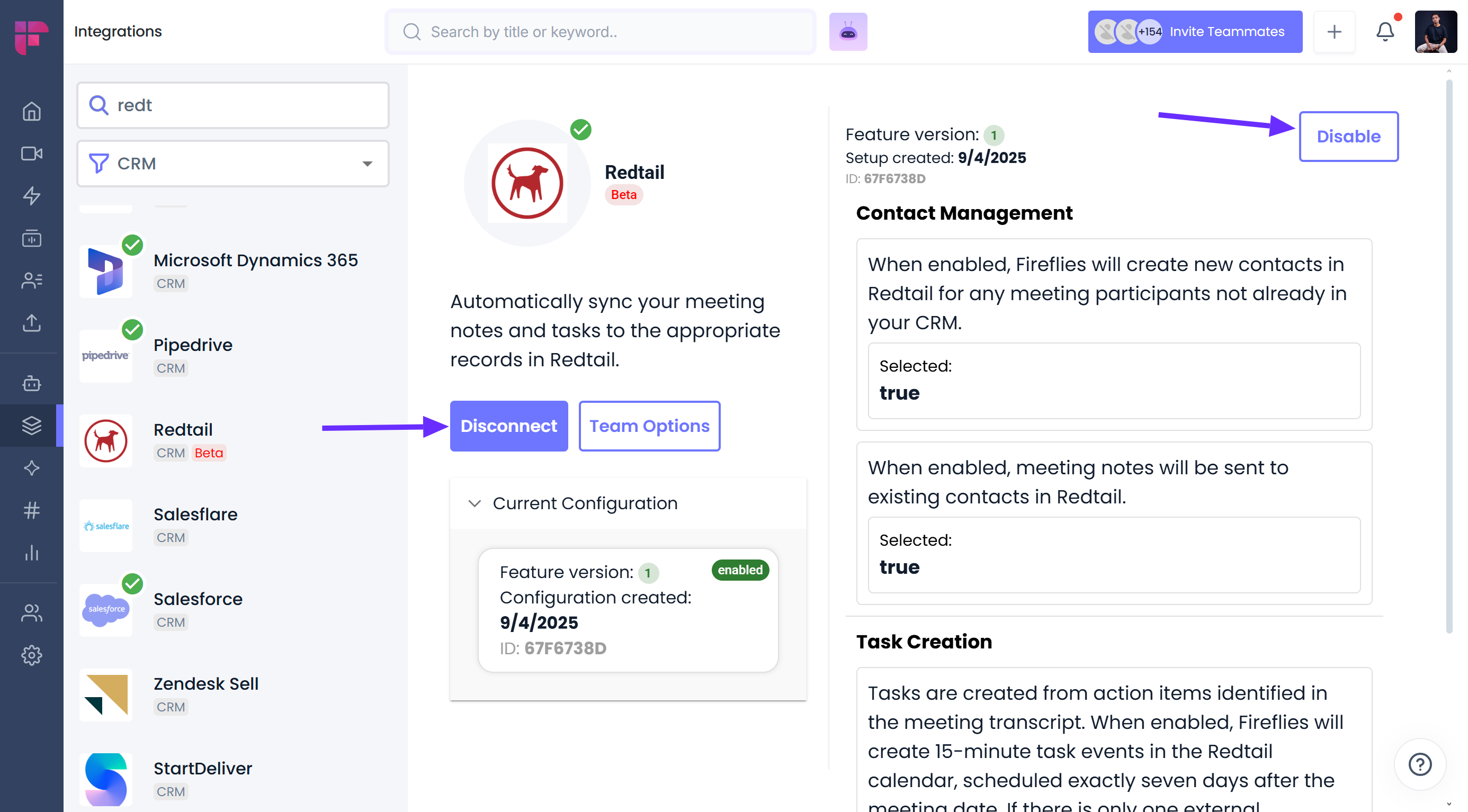
To temporarily disable, click Disable from the Redtail integration settings page in Fireflies.
To fully disconnect, click Disconnect to remove Fireflies’ access to your Redtail account.