How to log meeting notes under Zoho deals
Last updated: May 15, 2025
This article covers steps to log meeting notes under Zoho deals.
Pre requisite
- Ensure you've completed the Fireflies-Zoho integration steps before proceeding further.
Related: How to set up Zoho and Fireflies integration
Log meeting notes under Zoho deals
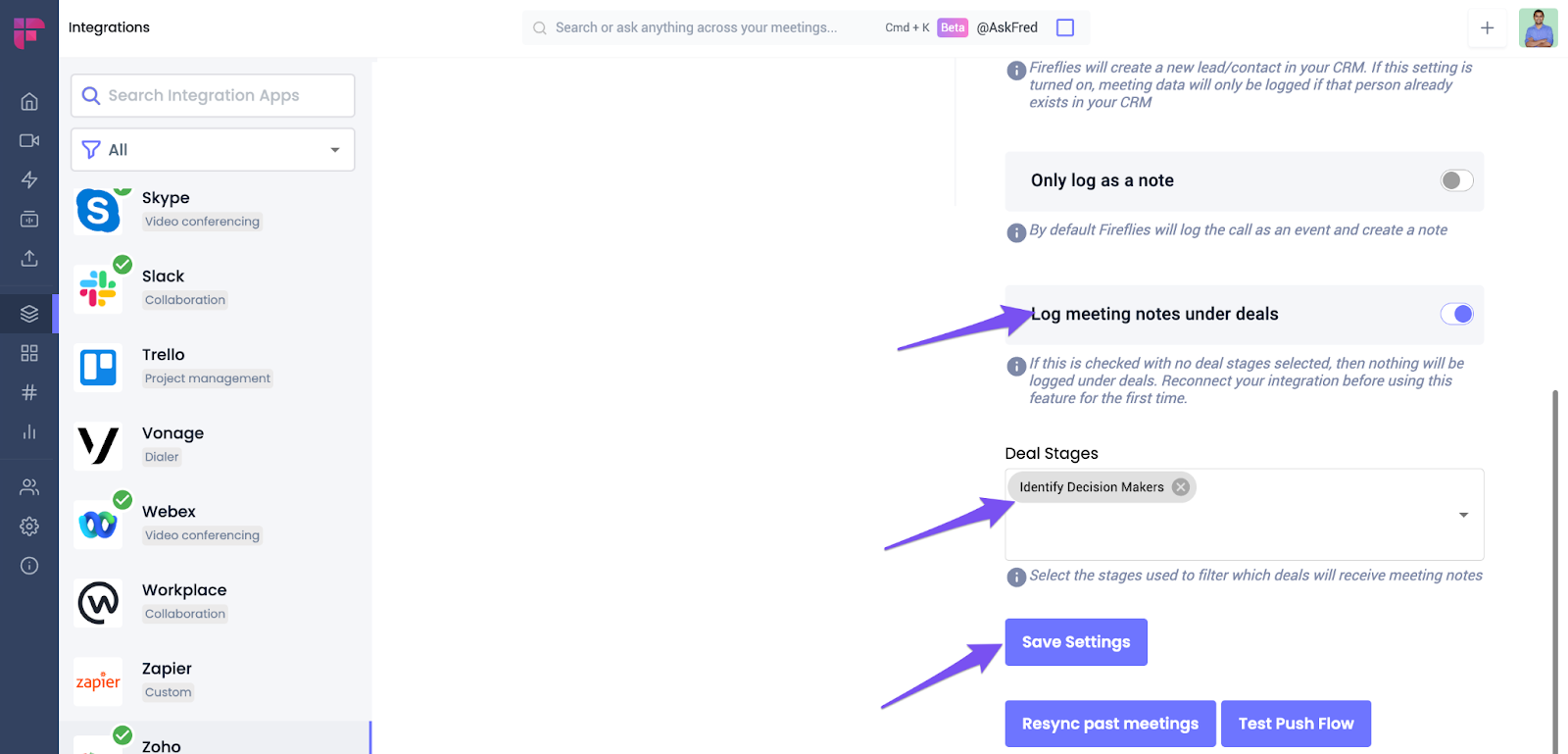
- Enable the Log meeting notes under deals toggle. Select a deal stage and click Save Settings.
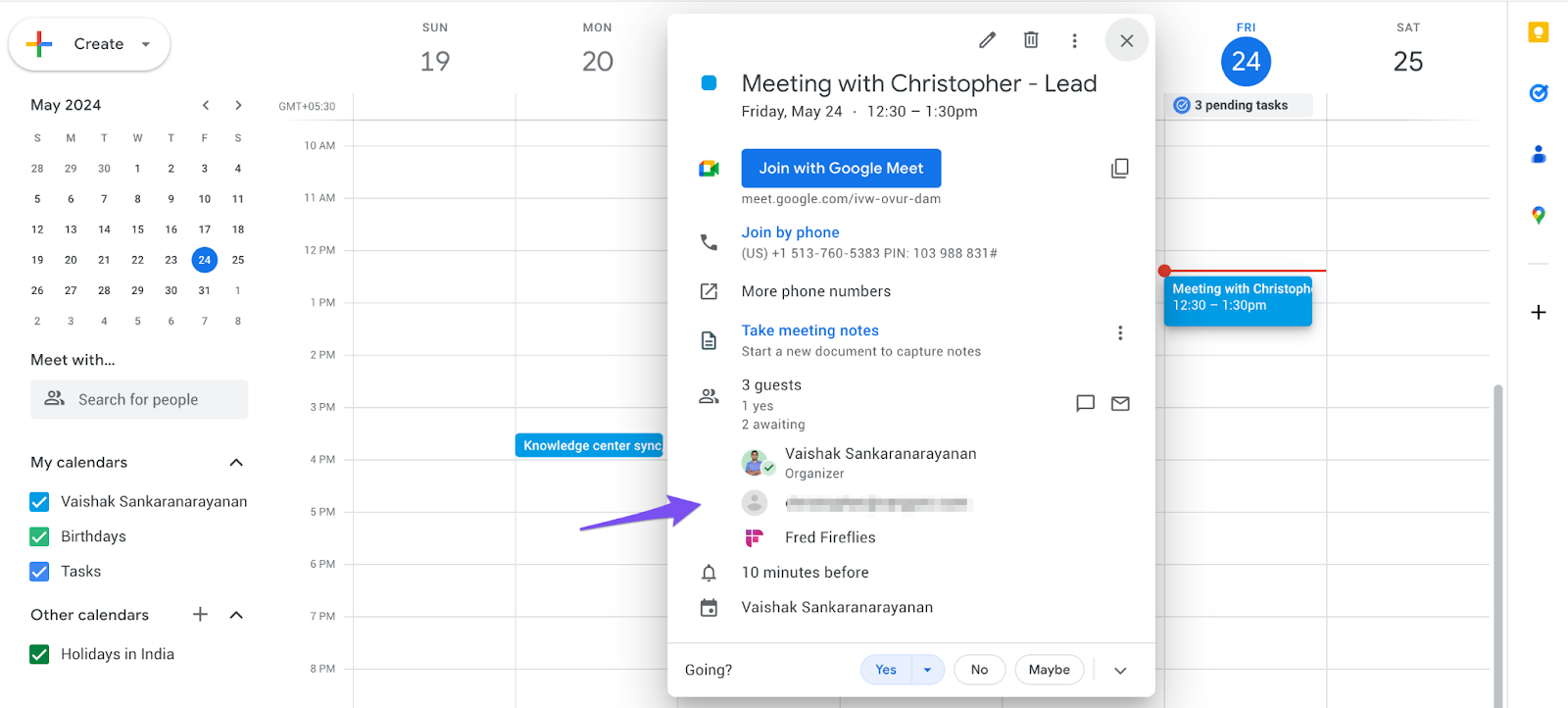
- Schedule a meeting with a deal. Ensure the Fireflies bot is present in the meeting.
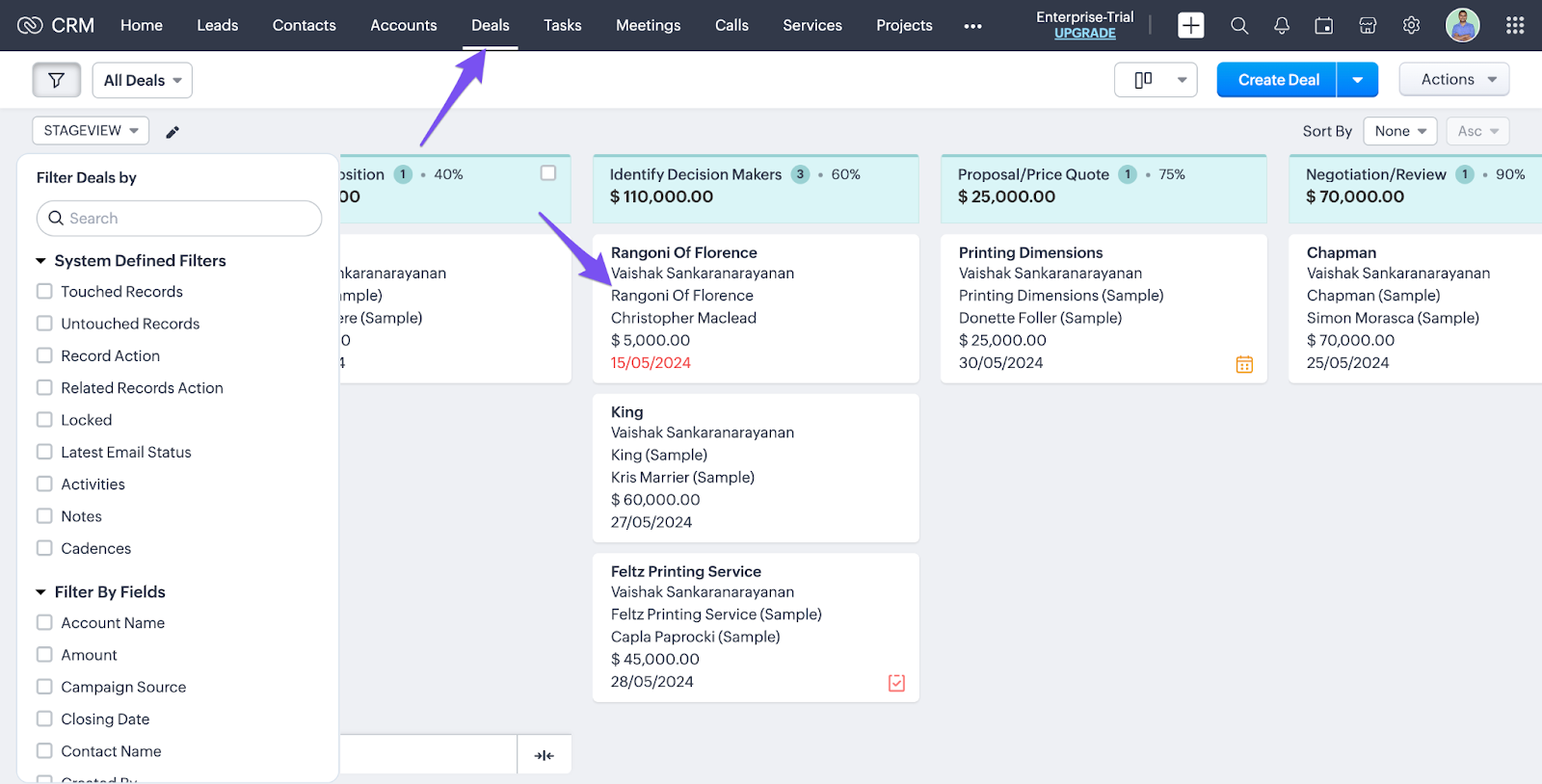
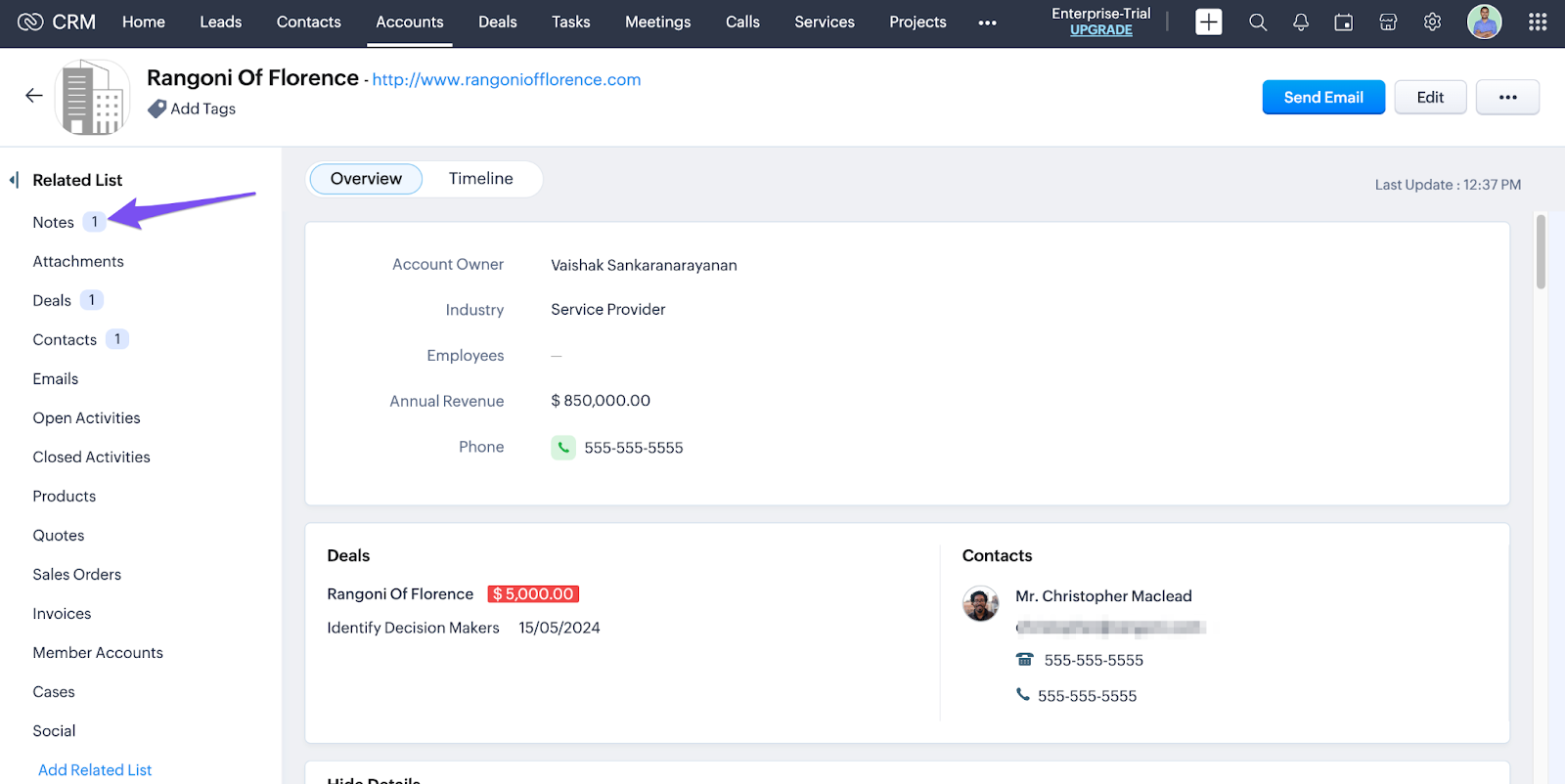
- After the meeting, go to Deal within Zoho and click on the specific deal.
- Click on Notes.
- Click on More.
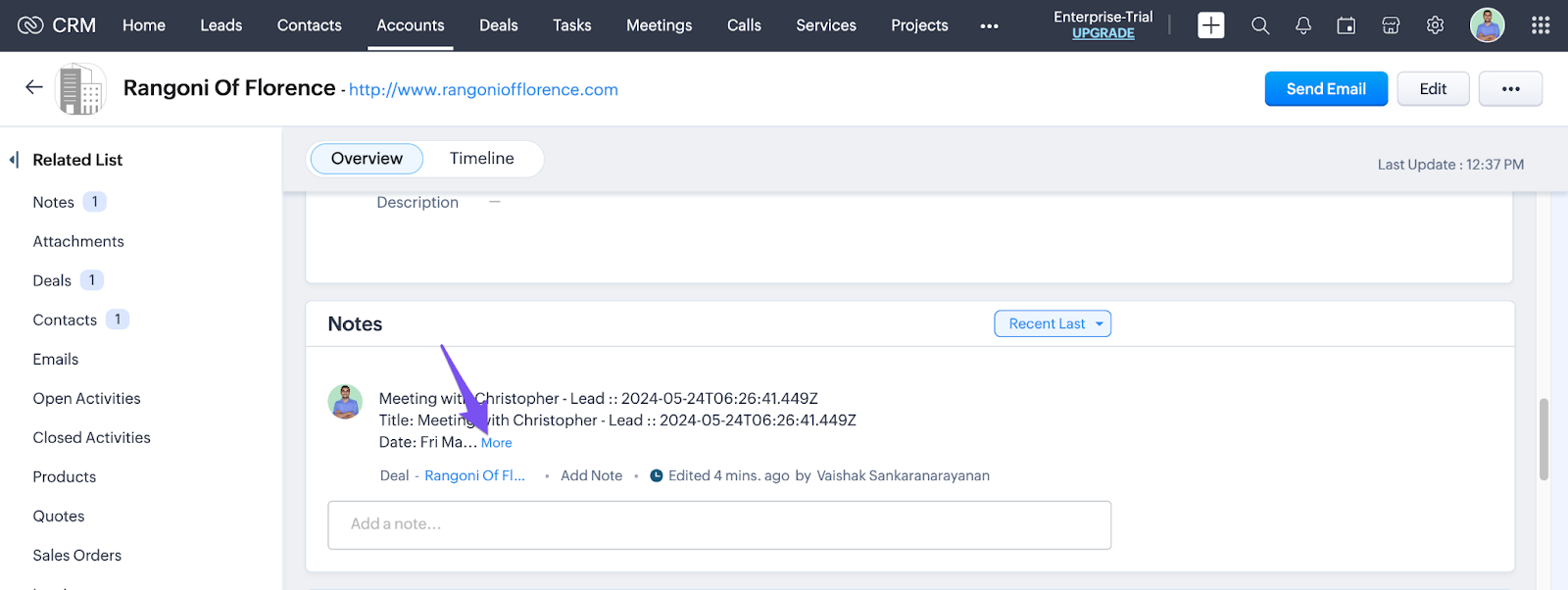
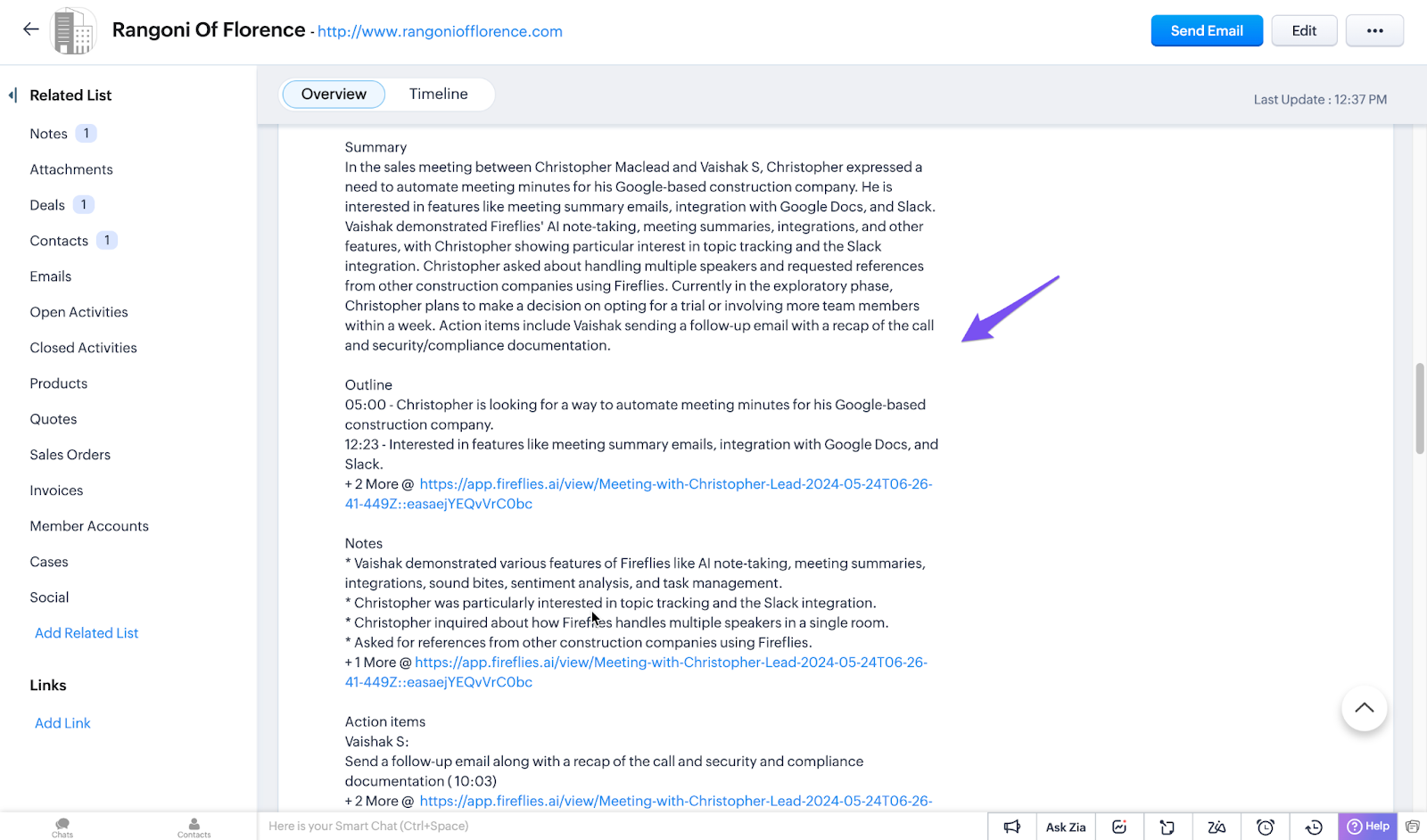
- You will find the Summary, Outline, Notes, and Action items.