How to log notes under Freshsales Contacts
Last updated: May 24, 2025
This guide covers steps to log meeting notes under Freshsales contacts.
Pre requisite
- Ensure you've completed the Fireflies-Freshsales integration steps before proceeding further.
Related: How to set up Freshsales Fireflies integration
Log notes under Freshsales Contacts
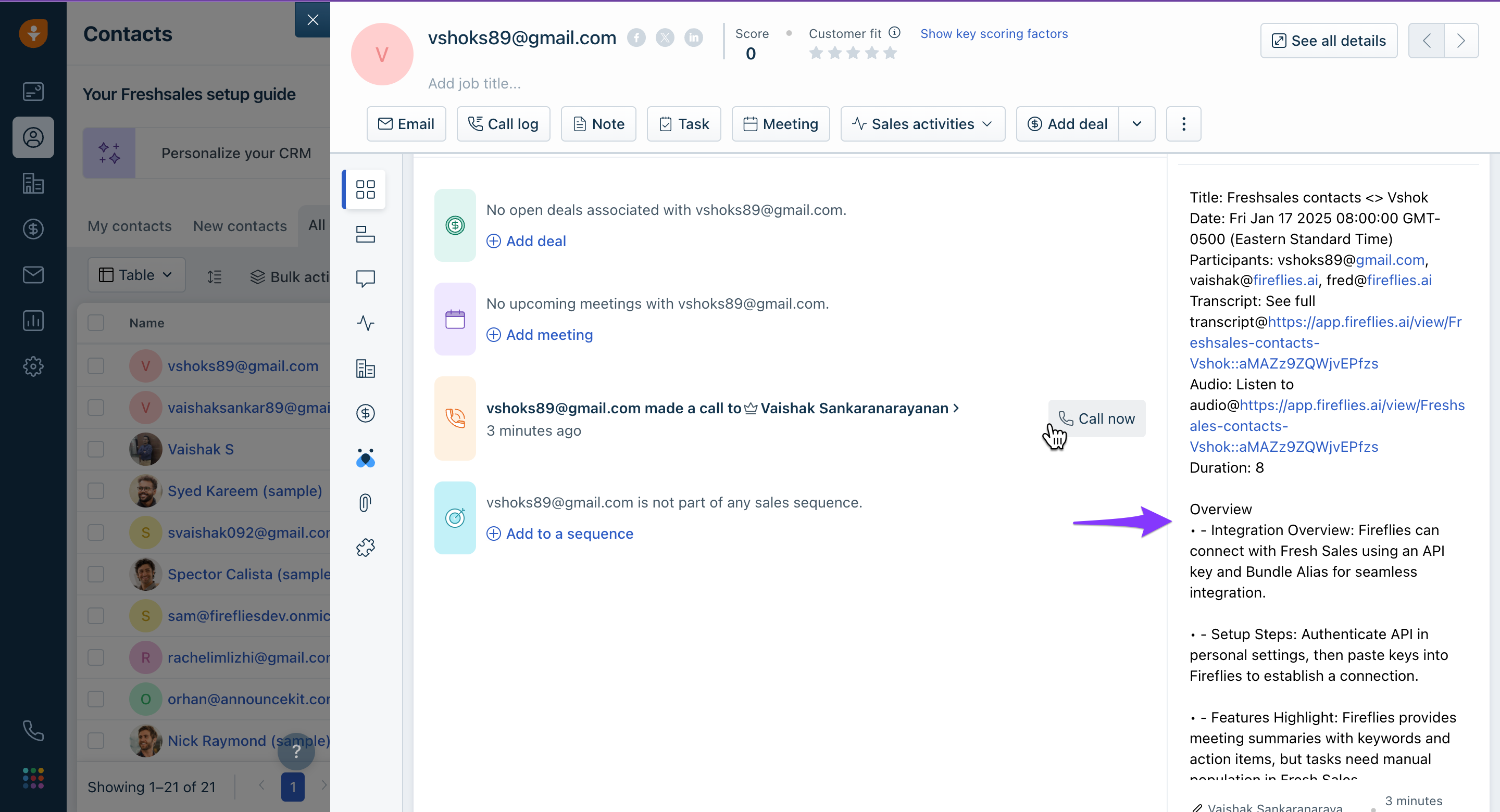
By default, Fireflies automatically logs meetings notes under Contacts. If a contact does not exist, Fireflies creates a new contact if needed. To view notes:
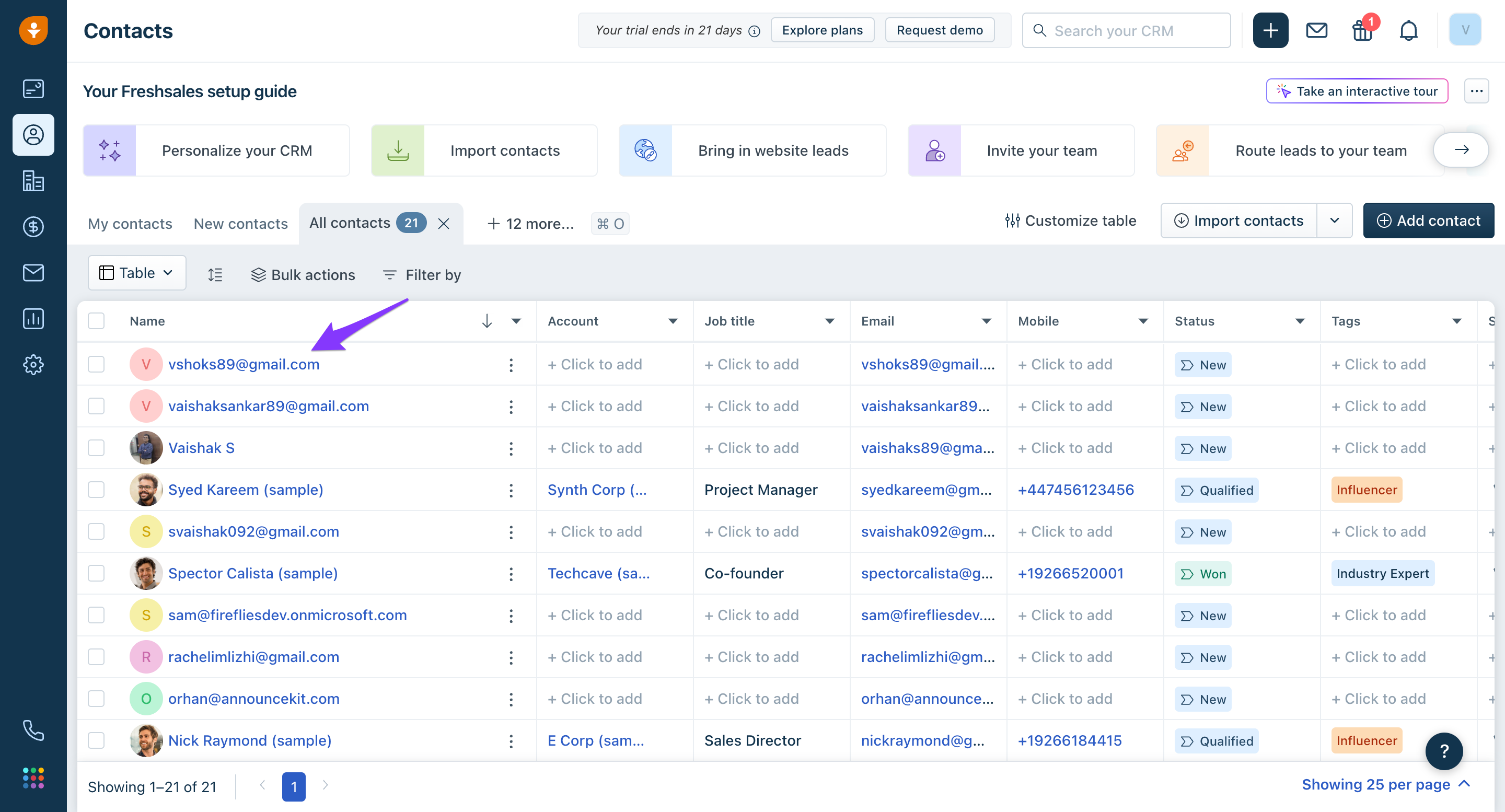
- Go to Contacts within Freshsales and click on the desired contact.
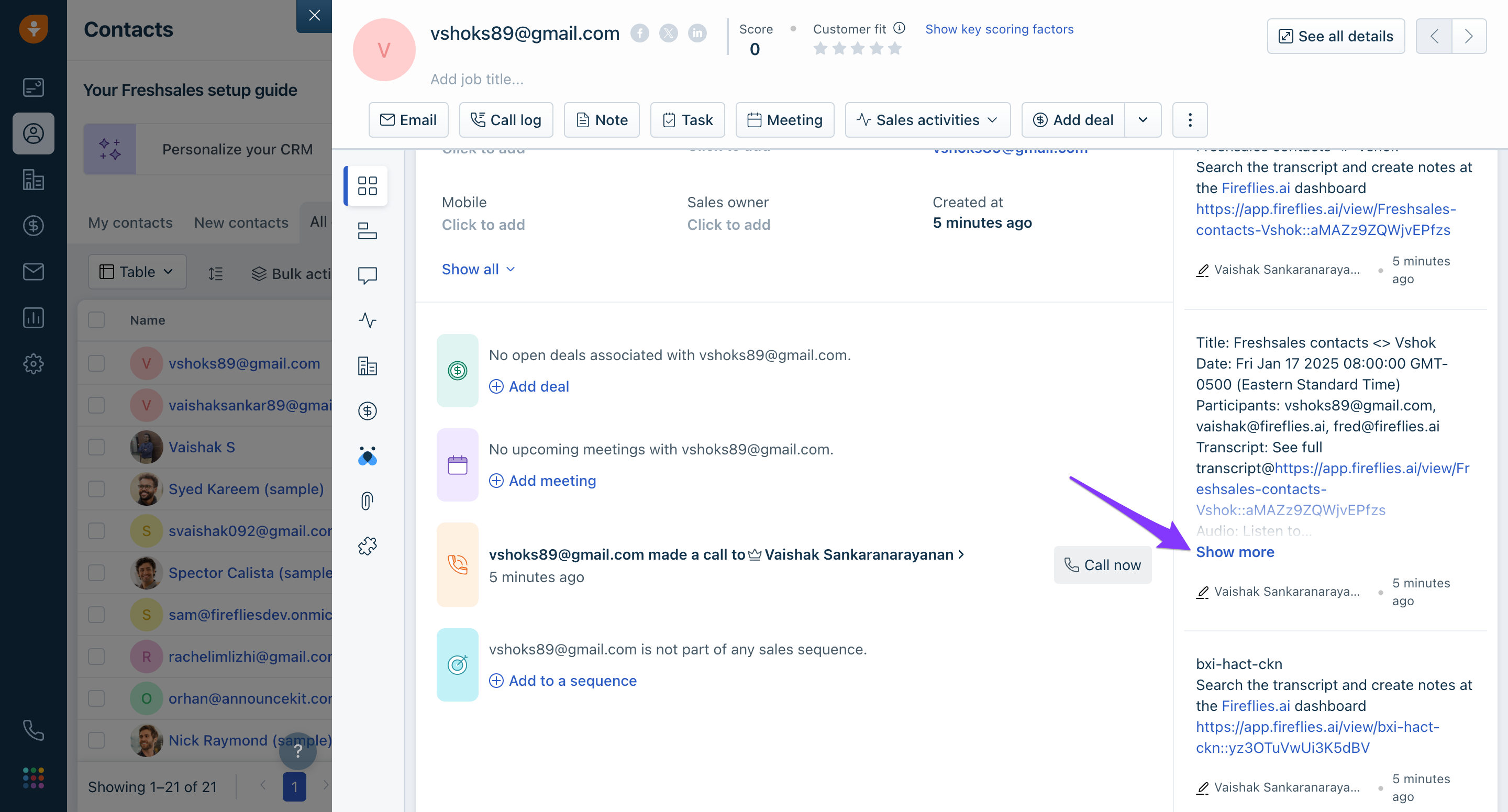
- From the notes section, click Show more.
- You will find the Summary, Outline, Notes, and Action items.