How to create tasks in Salesforce from meeting action items
Last updated: March 17, 2026
In this guide, we’ll explain the steps to create tasks in Salesforce from action items discussed during a meeting.
Before you begin, confirm that you have an active Salesforce integration set up.
Related: How to setup Fireflies with Salesforce integration
How to convert meeting action items into Salesforce Tasks?
Open your Salesforce integration settings in the Fireflies app.
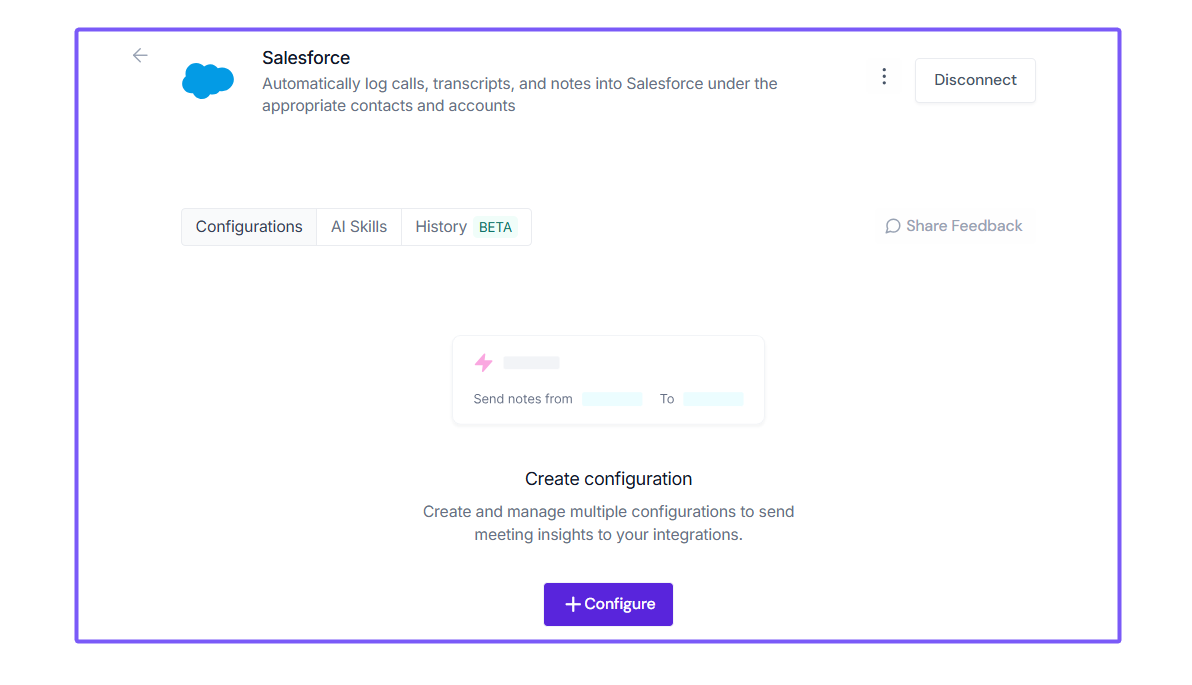
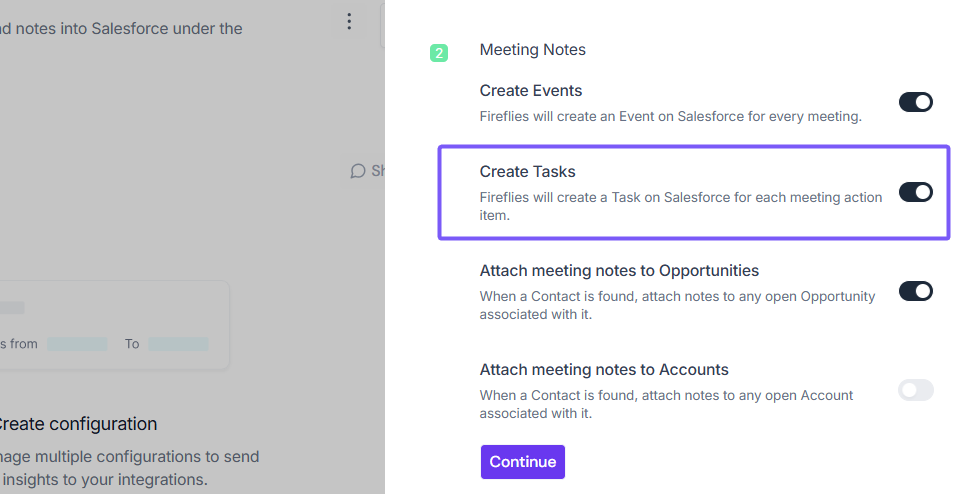
Scroll down to find the Create tasks from meeting action items toggle and enable it:
For new users of the Fireflies-Salesforce integration, this toggle is enabled by default.
If you're an existing user, manually switch the toggle on.
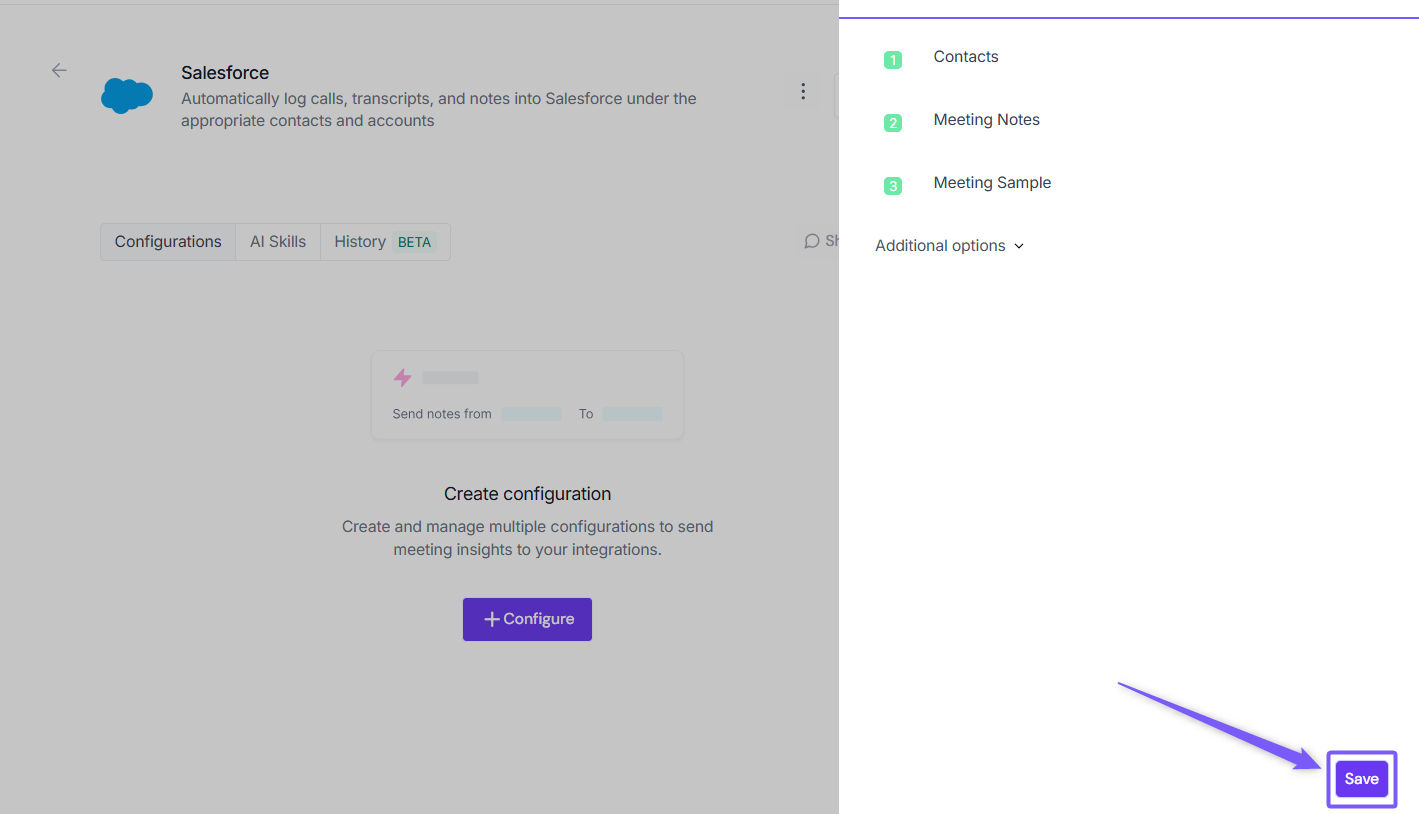
Click Save Settings.
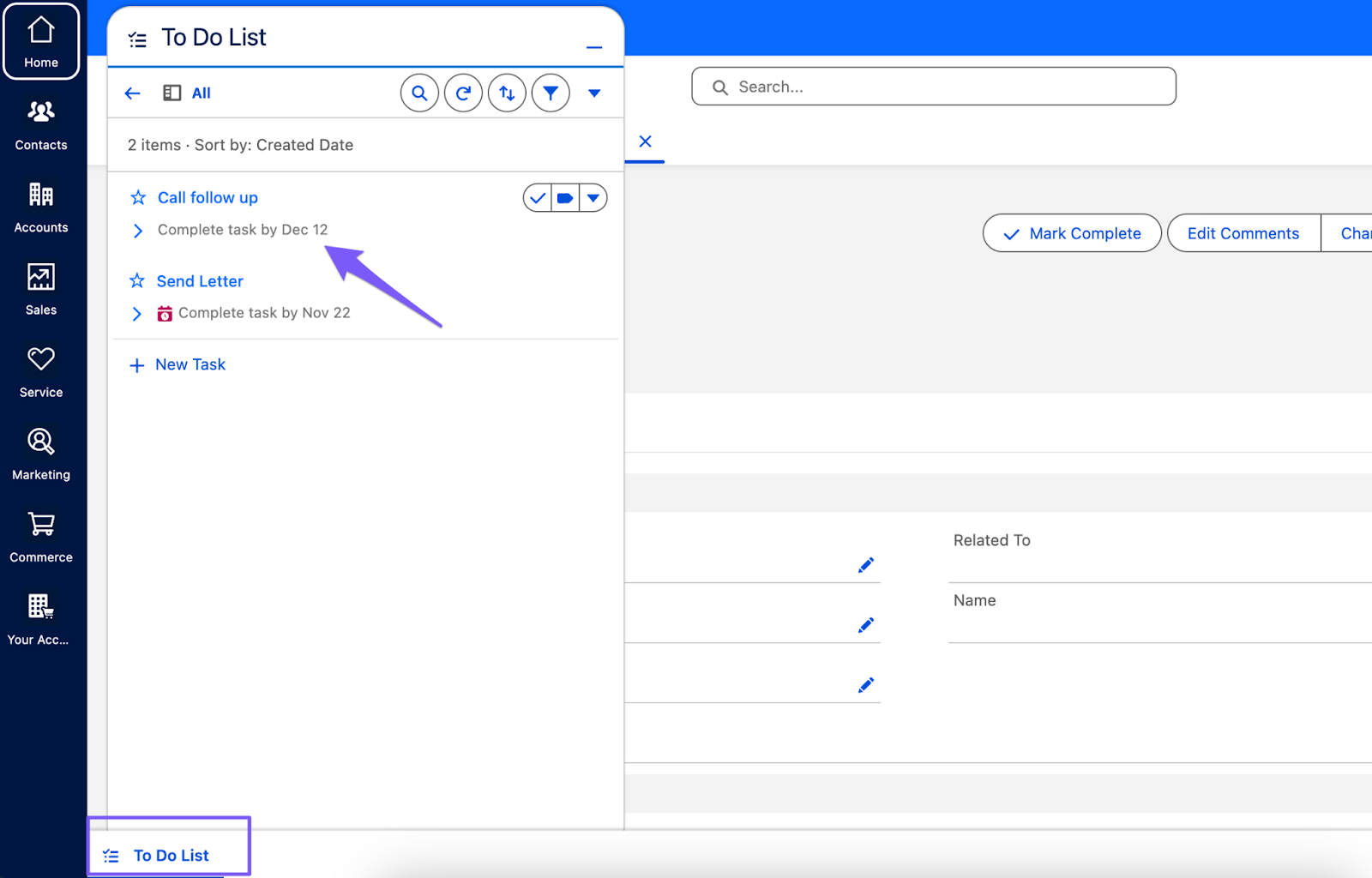
What happens next?
Once your meeting ends, Fireflies will automatically identify action items and create tasks for you in Salesforce. You can find the tasks in the To Do List section in your Salesforce instance.
Read Next: How to save notes under Salesforce Contacts