Upload files in the Fireflies Mobile App
Last updated: February 3, 2026
Upload MP3, MP4, M4A, and WAV files directly from your phone to get transcripts and AI analysis on the go.
📱 New to mobile? Learn about the Fireflies Mobile App
Upload in 3 steps
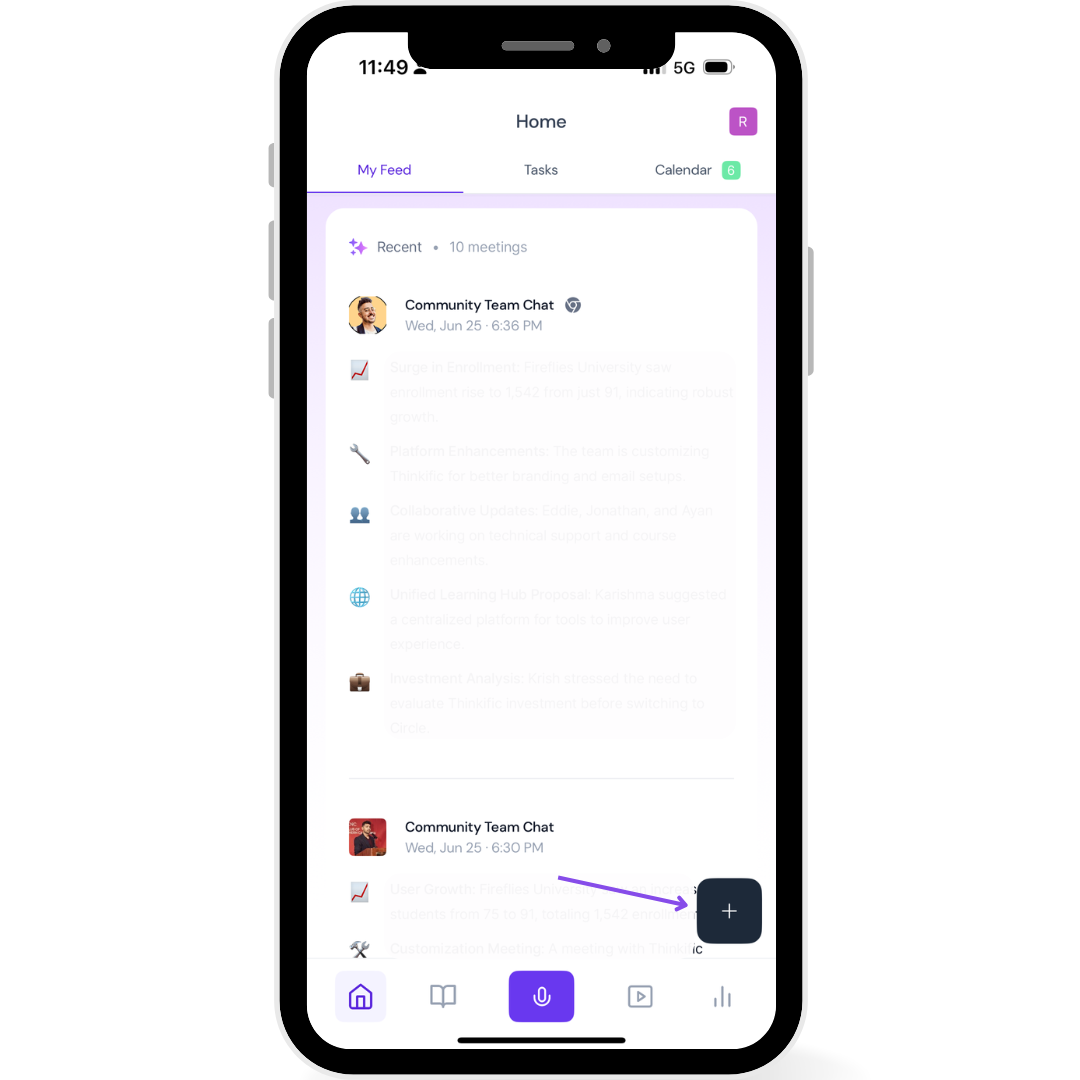
Tap the + icon on your main screen
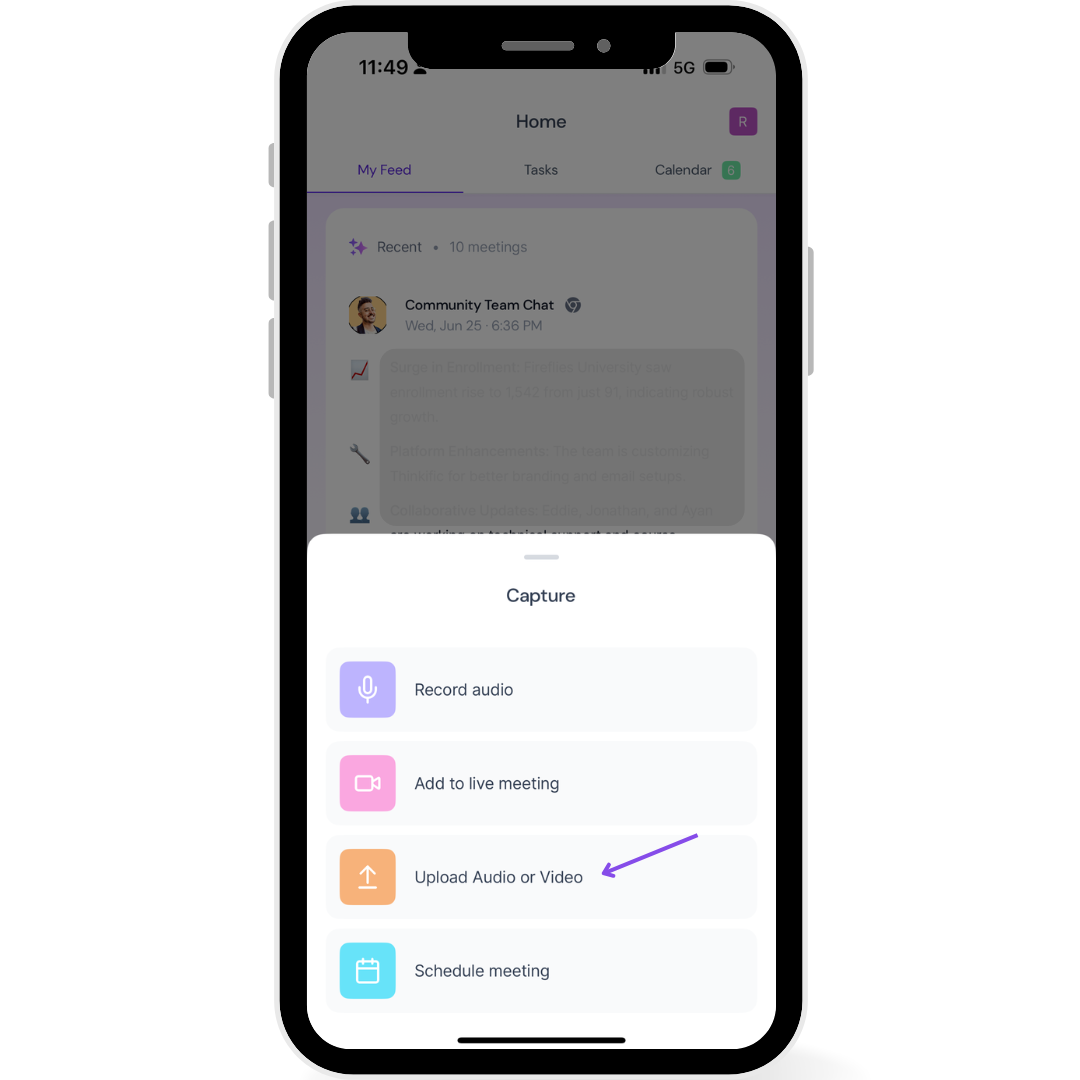
Select Upload Audio or Video
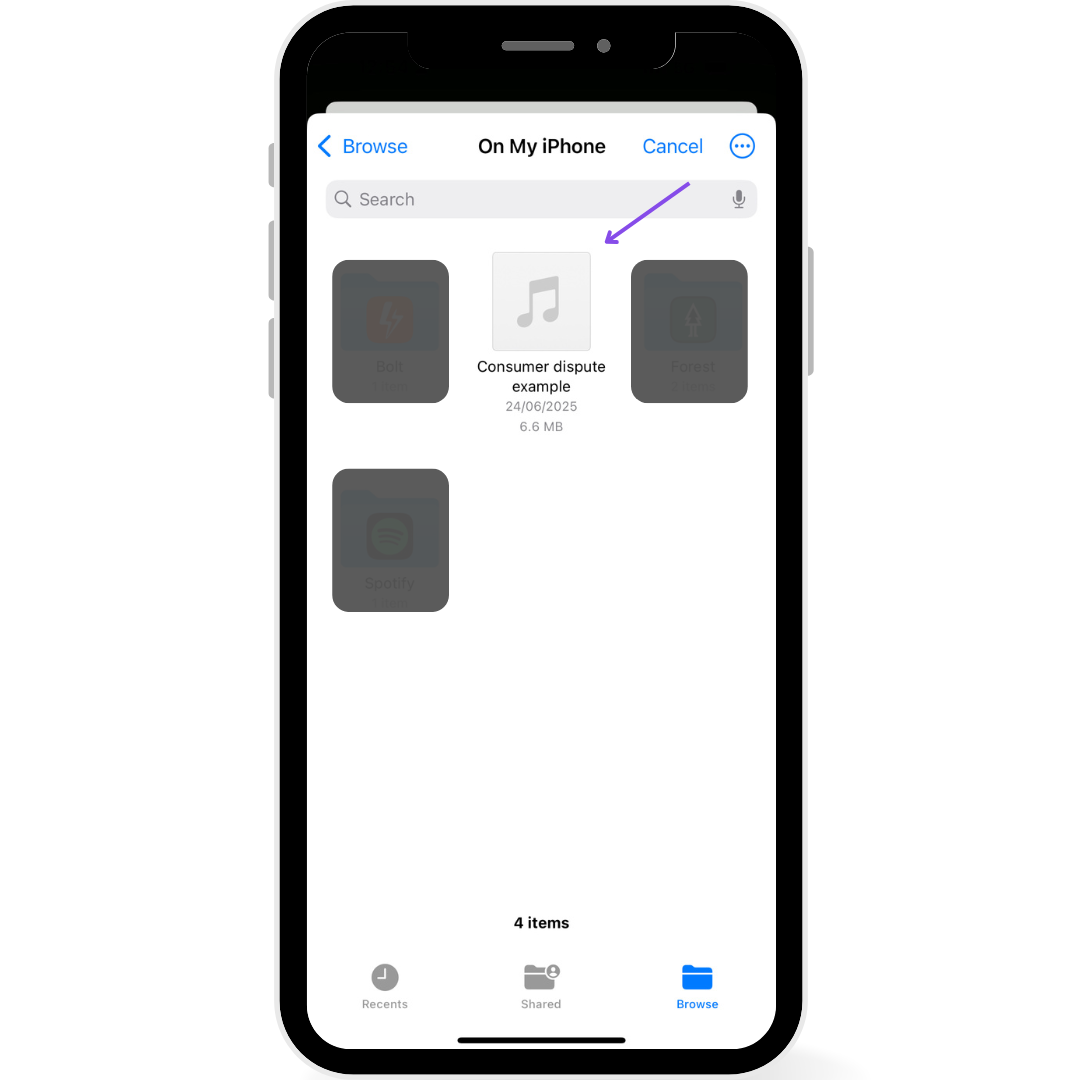
Choose your file from your phone
Finding your uploaded audio
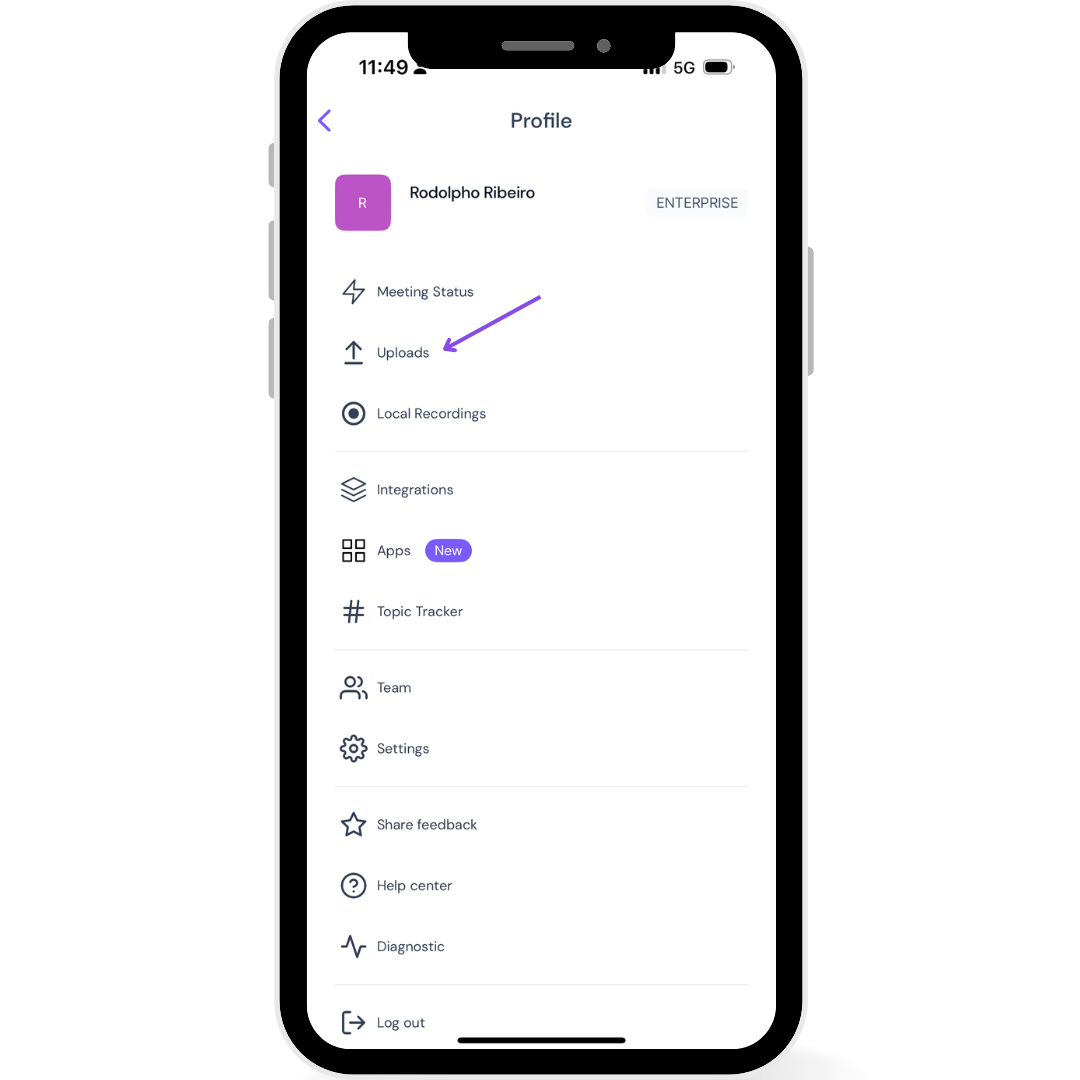
Tap on your profile icon
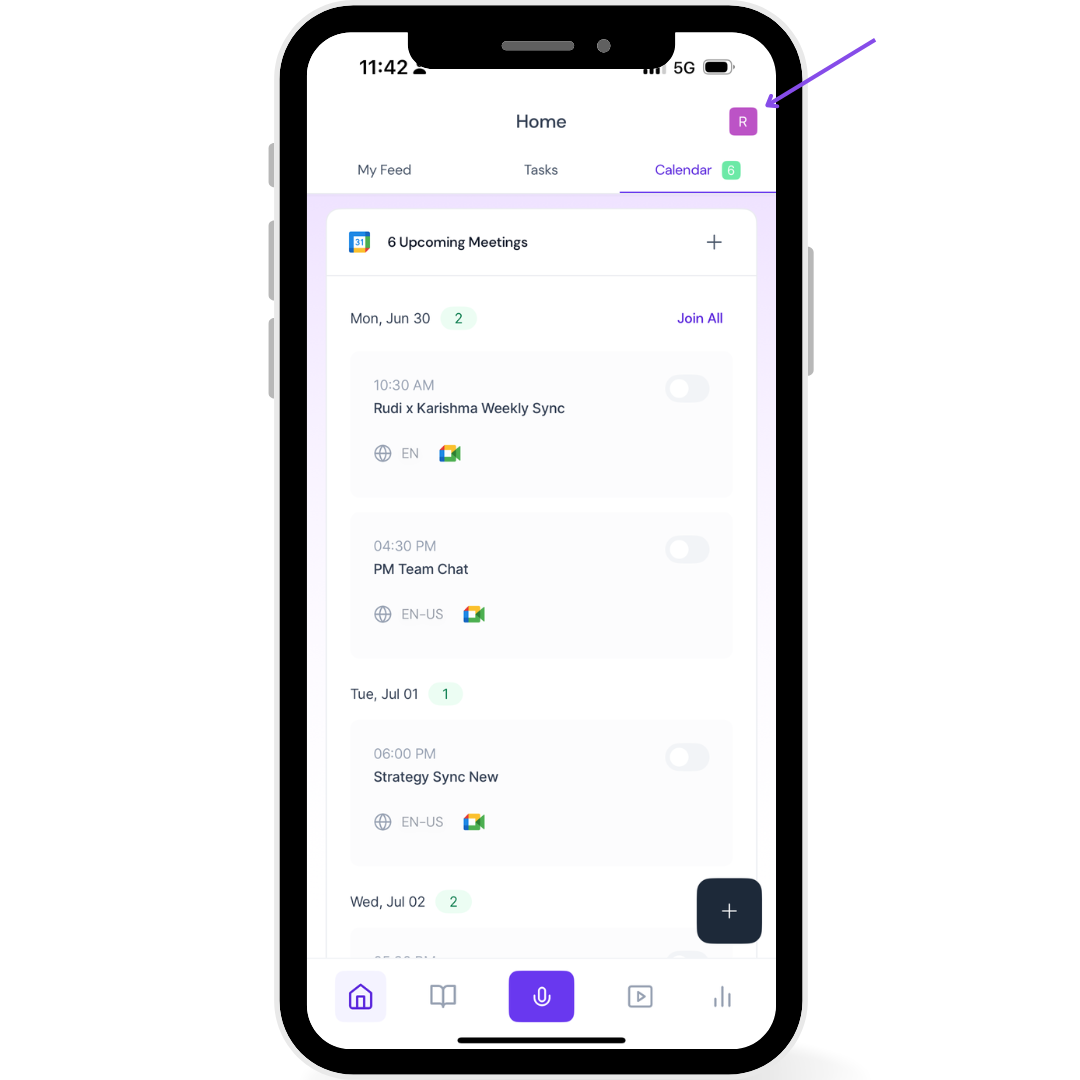
Select uploads
Find your uploaded file processed after a few minutes
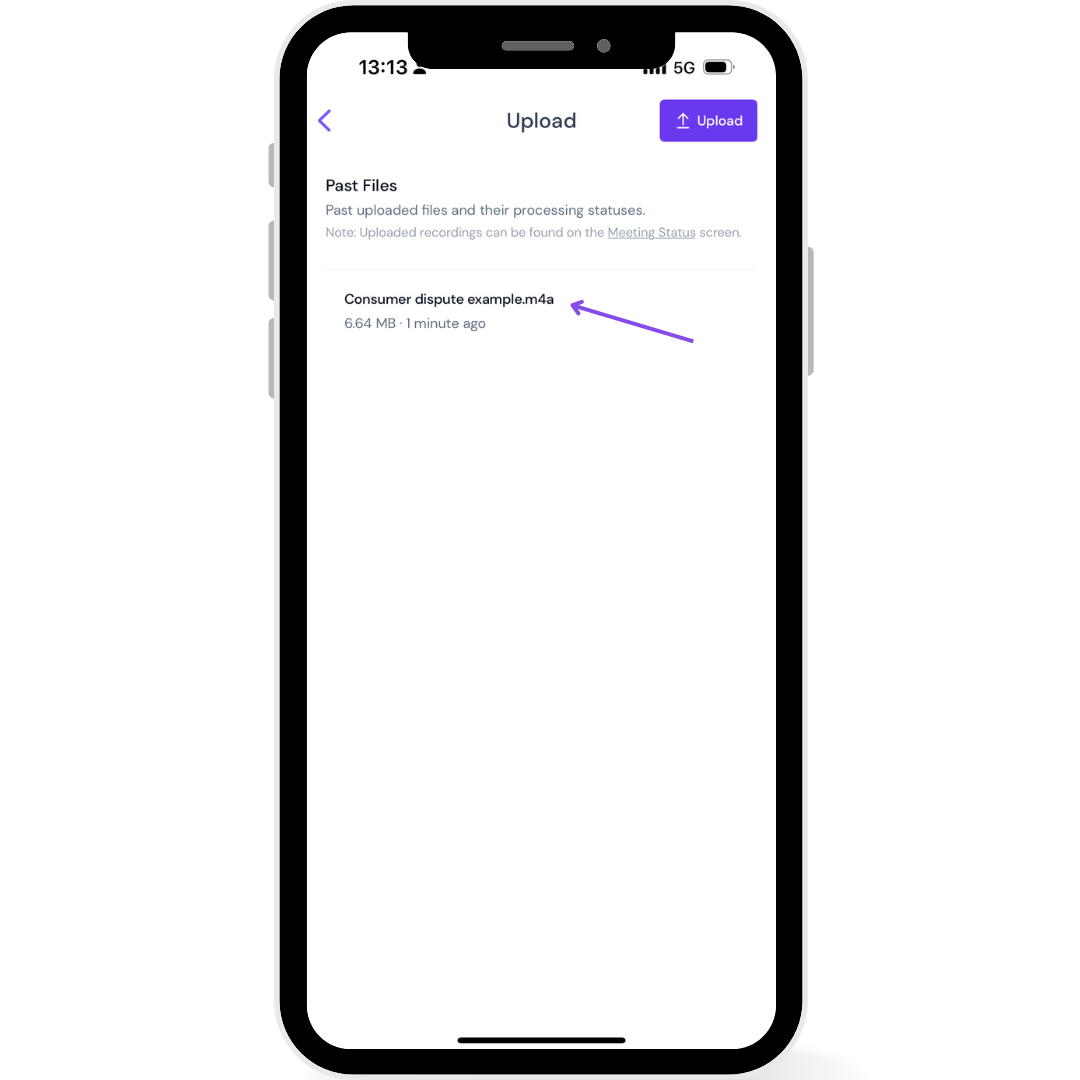
If you have your app notifications enable, you'll get notified of when the upload processing is completed
📋 Want to view your transcripts? See How to access meeting recordings and transcripts in the Fireflies Mobile App
📊 Need a rundown of upload limits? Check Upload limits and file size details
Making sense of it all
Files process in a few minutes or less and sync across all devices, depending on audio file size
Same transcription quality as web uploads
Perfect for voice memos and phone recordings