How to integrate Salesloft with Fireflies
Last updated: May 23, 2025
The Salesloft integration with Fireflies lets you transcribe calls made using the Salesloft dialer and access them in your Fireflies Notebook.
Steps to integrate Salesloft with Fireflies
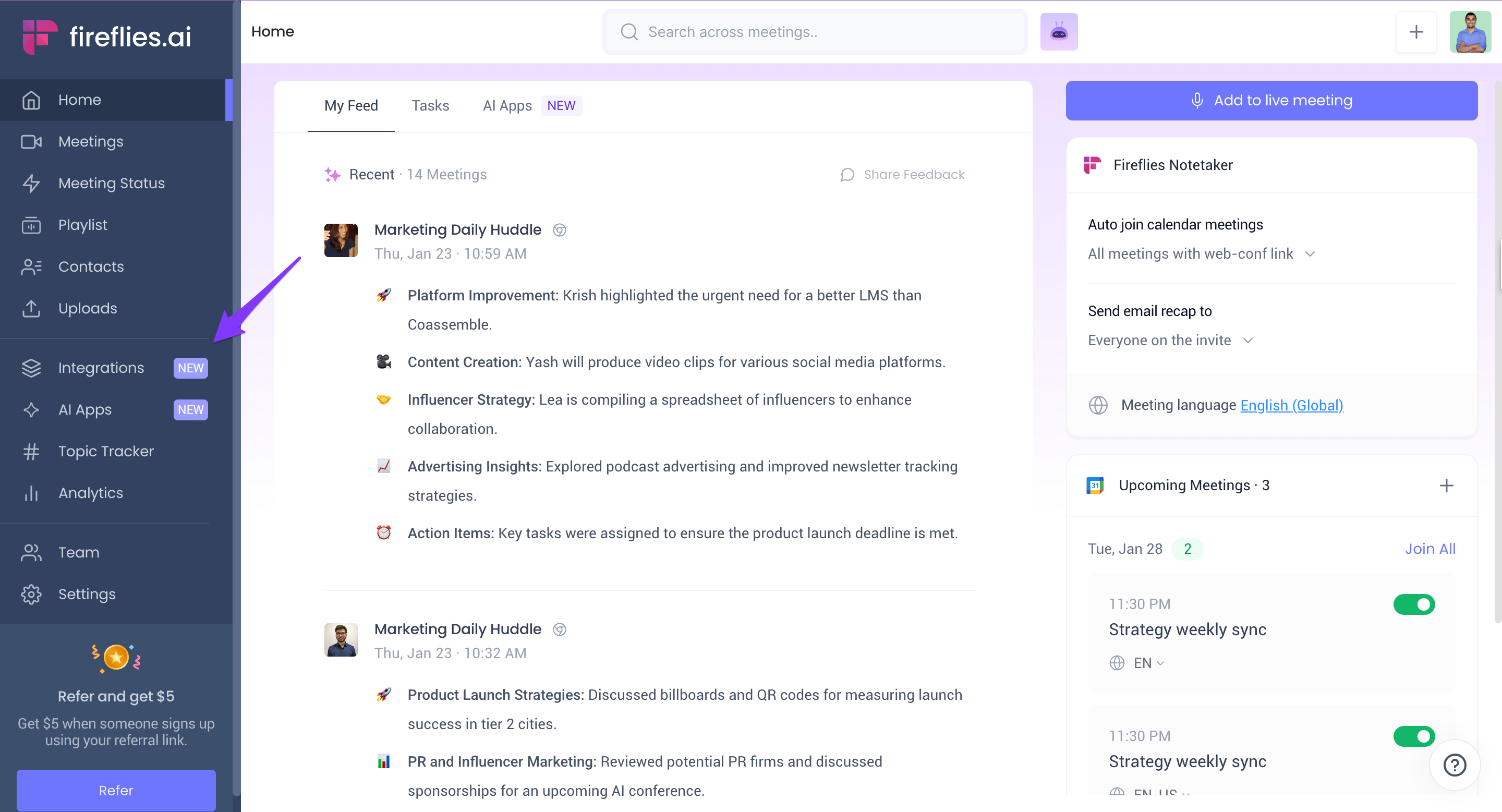
- Sign in to Fireflies. Click Integrations.
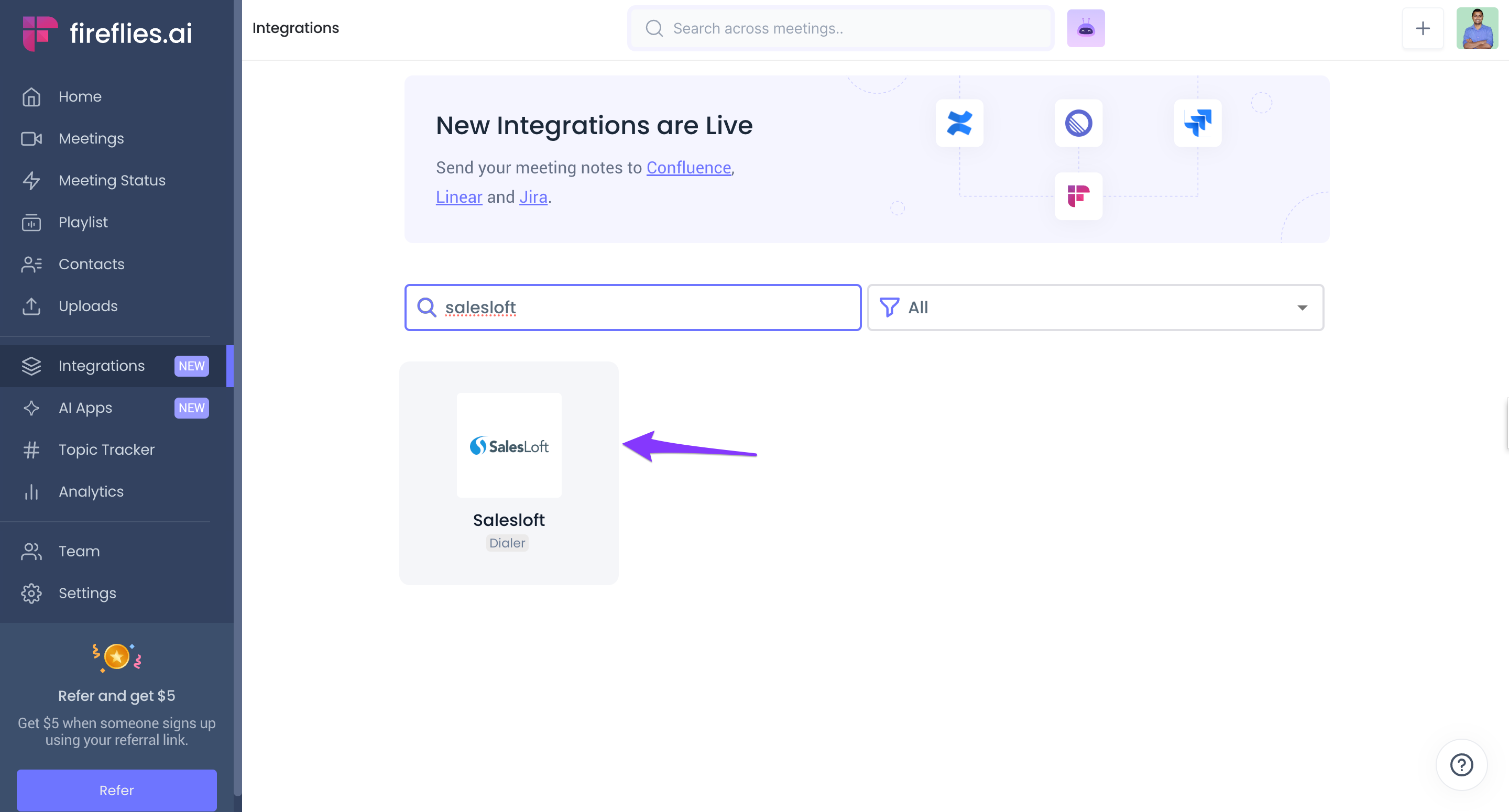
- Search for Salesloft and click on it.
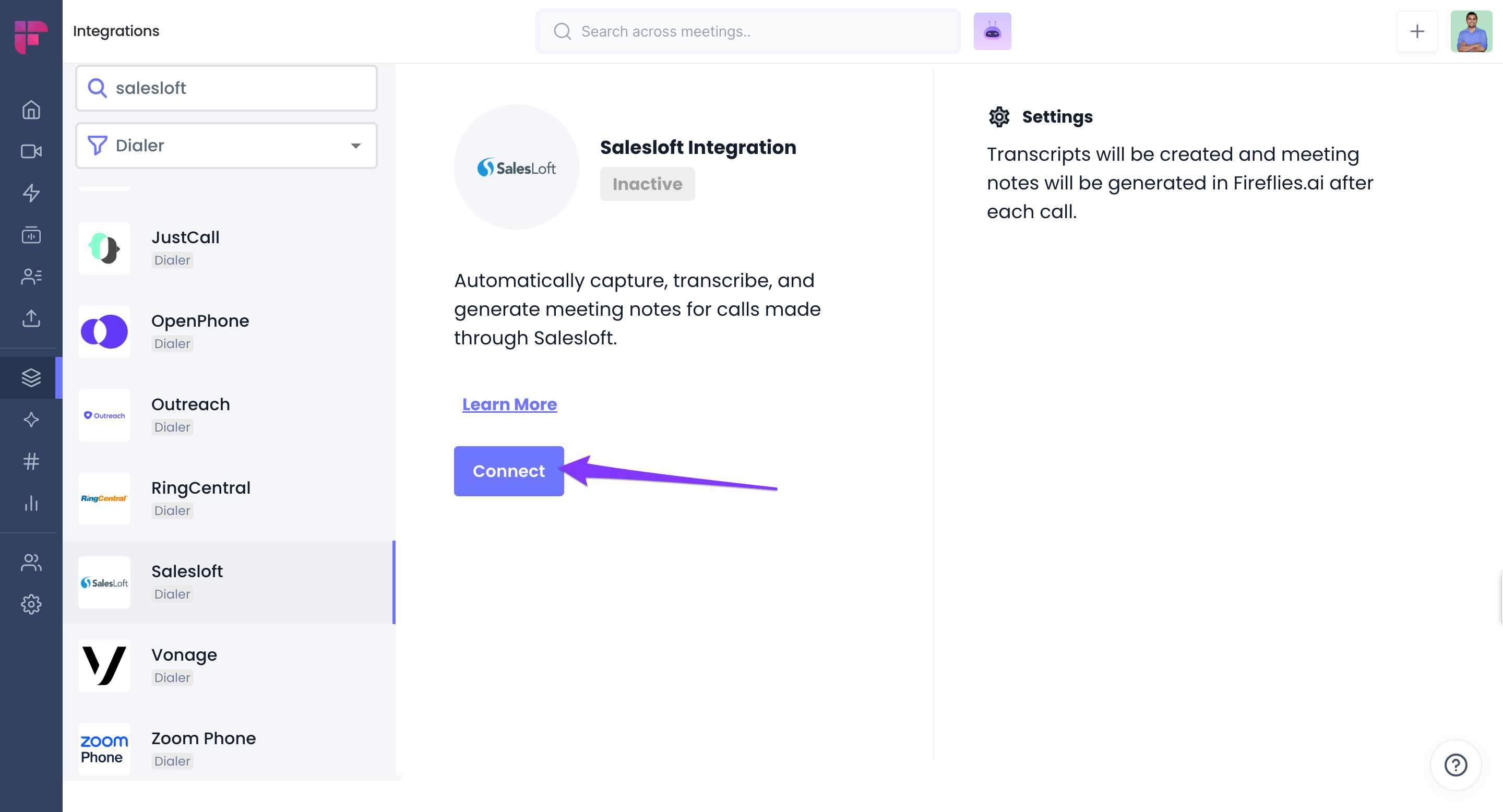
- Click Connect.
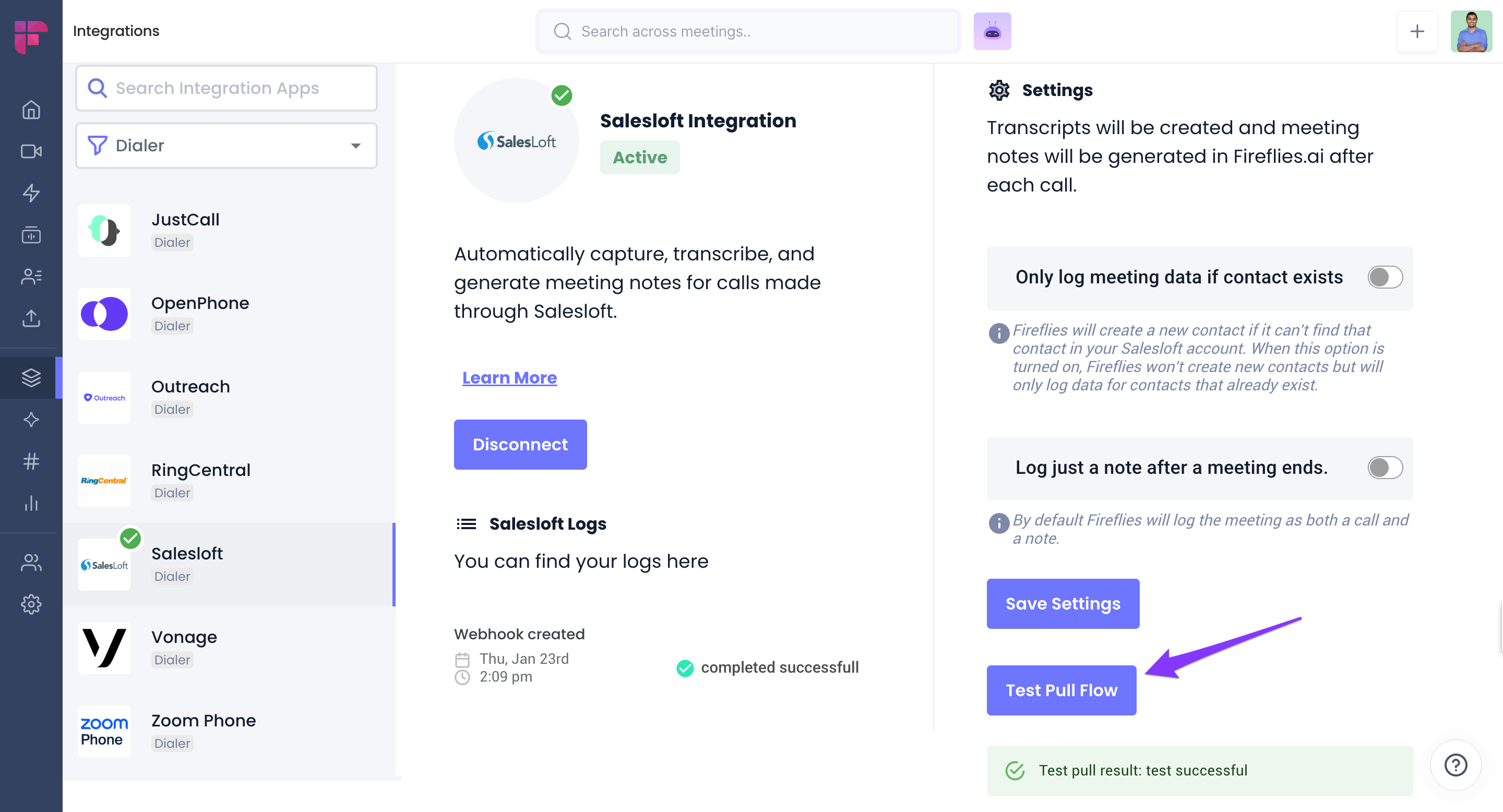
- Follow the steps to authenticate your Salesloft account. Once completed, you’ll be redirected to Fireflies, where a green checkmark will confirm the integration is active
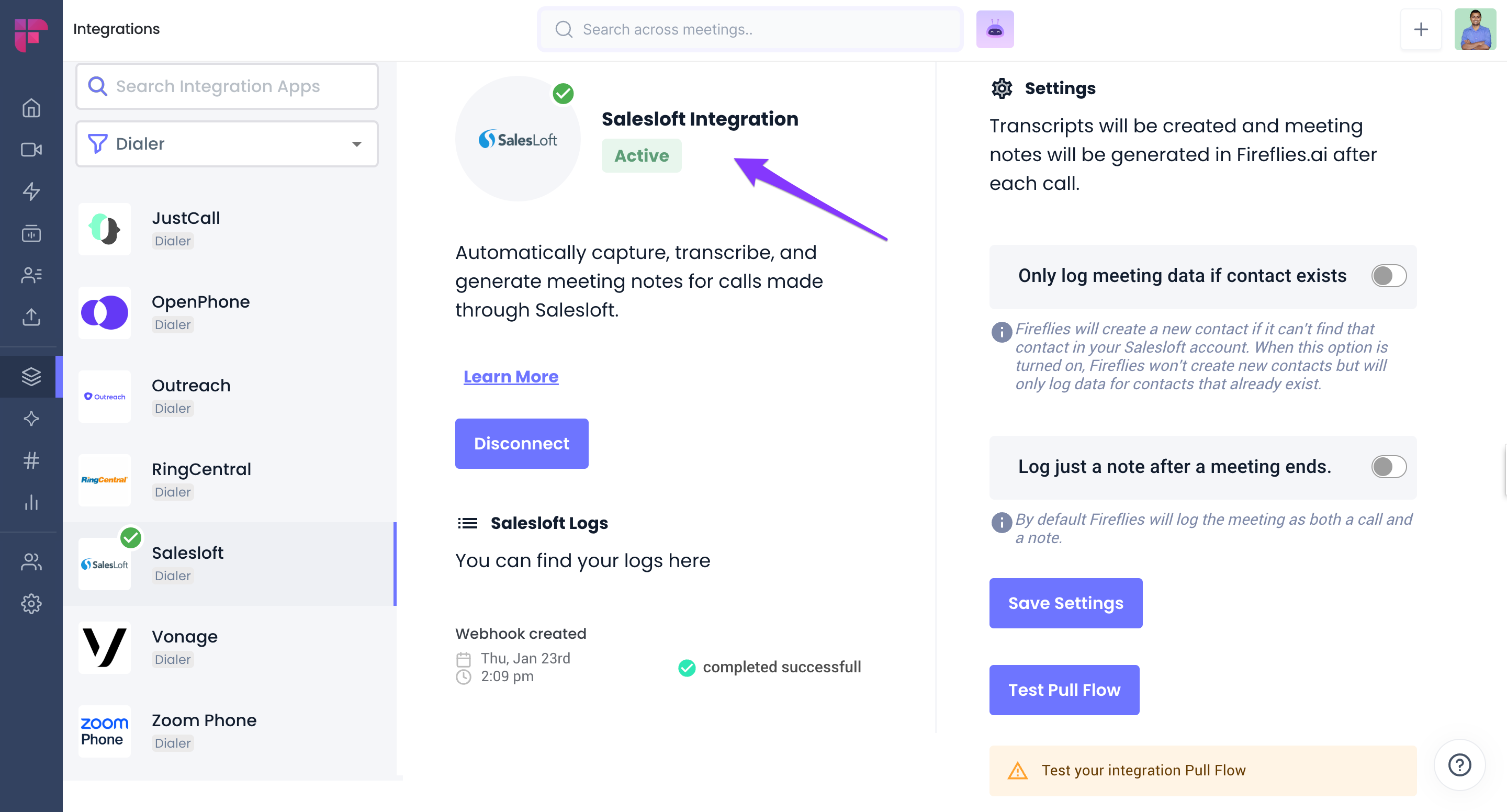
- Click Test Pull Flow to verify the integration. If successful, you’ll see a confirmation message.
Once a call is processed in Salesloft, Fireflies will automatically pull the recording, transcribe, and summarize it in your Notebook.